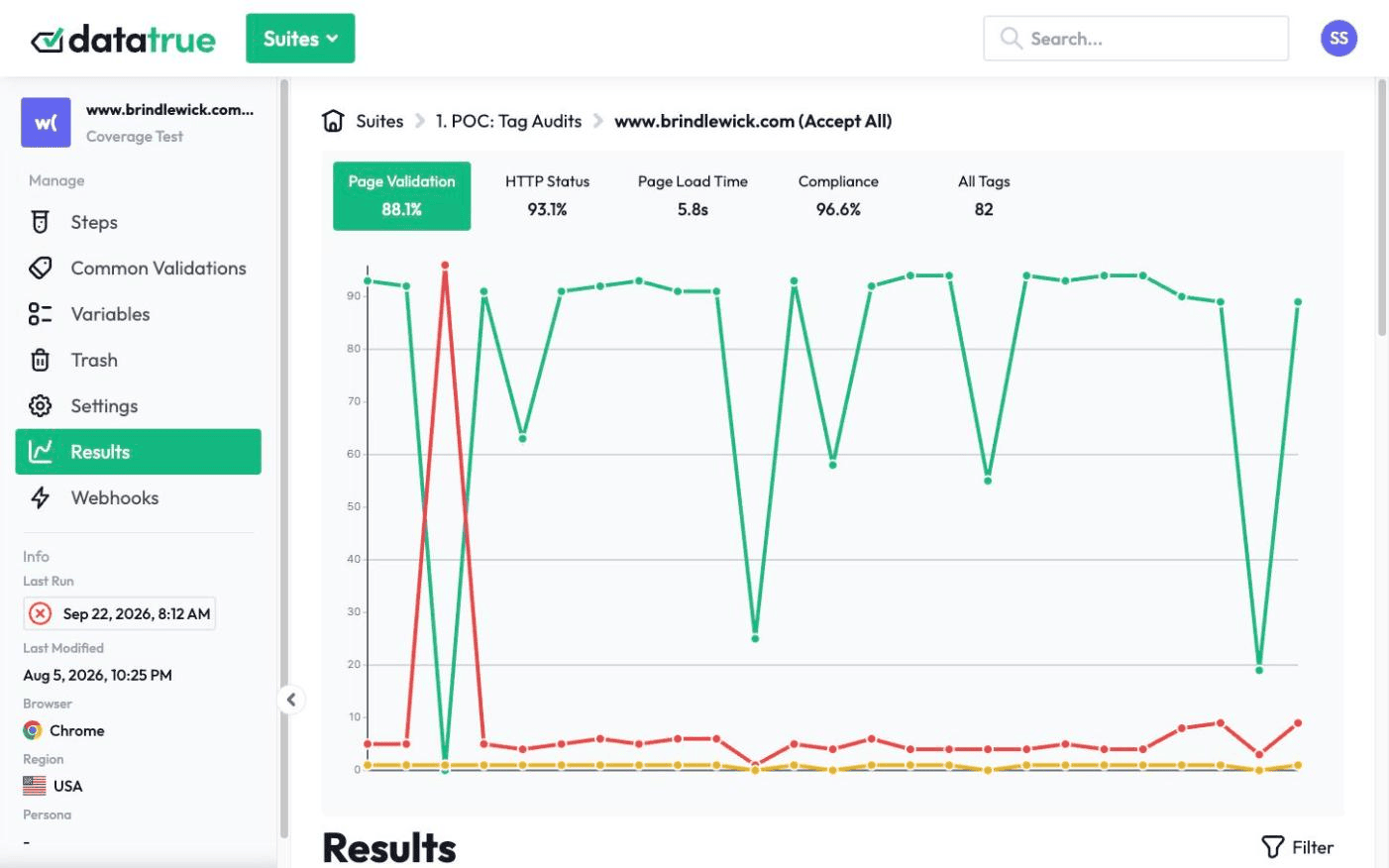
See your tag health in Data Studio
Your DataTrue results do not have to live in a separate tool. The Data Studio connector pulls QA results, account usage, and implementation failures into the dashboards your team already reads, next to the analytics they already trust.
The full platform, every feature, free for 30 days.

DataTrue’s Data Studio connector (formerly the Looker Studio connector) brings your DataTrue test results into Google’s Data Studio, so QA results, account usage, and implementation failures can be reported alongside the rest of your analytics in the dashboards your team already uses.













Report where your team already looks
Blend DataTrue results with your other analytics sources in Data Studio, so your QA results sit beside Google Analytics and, through a third-party partner connector, Adobe Analytics, rather than in a separate report nobody opens.
What can you report in Data Studio?
Your QA results, your account usage, and a view of where analytics implementations are failing, for a weekly stakeholder view or an audit trail.
Nothing is installed on your site. DataTrue doesn’t ask you to add any script, tag or code to your pages, so there is nothing to remove if you stop.
Put your tag health in the dashboard your team already uses.
Start a free 30-day trialQuestions
What does the Data Studio connector do?
It brings DataTrue test results into Data Studio so you can report QA results, account usage, and implementation failures beside your other analytics.
Is this the same as the Looker Studio connector?
Yes. Google renamed Data Studio to Looker Studio in October 2022 and back to Data Studio in April 2026, and existing reports and data sources carried over. It is the same connector.
Can I blend it with Google Analytics and Adobe Analytics?
Yes. You can blend it with Google Analytics, and with Adobe Analytics through a third-party partner connector.
Related: web analytics testing, continuous monitoring & alerting, APIs, CI/CD & integrations (Reporting API).
Put your tag and consent testing on a schedule
DataTrue runs coverage scans, journeys and consent checks on your live site, reads what each tag sends, and alerts your team when a result changes. There’s nothing of ours to install on your pages.
- Every page, with coverage scans
- Scheduled runs, with alerts when a result changes
- Full journeys, like checkout and signup, in each consent state
- What each tag sent, field by field
- PII detection with test personas
- iOS and Android app testing
- Pre-publish testing for GTM and Adobe Tags
- REST API, plus Slack and Jira alerts
The full platform, every feature, free for 30 days.