Checking User Consent Compliance With a CMP

Summary
A consent management platform, or CMP, is software that collects and manages a visitor’s consent choices in line with the data protection laws where you operate. It can fire tags based on what a visitor consented to and hold back the rest. Implementations are not foolproof, which is why checking that a CMP actually works is its own task.
A CMP is the standard way businesses handle consent at scale, and it does the front-end job well: showing the right choices and recording them. The exposure is on the back end, in whether the tags actually behave the way the recorded consent says they should. This guide explains what a CMP does, what to look for when choosing one, and how to verify it.
Choosing the right CMP is only half the job. The section on where a CMP falls short explains the gap between recording consent and enforcing it, and the last section shows how to check that your CMP actually works.
Why consent management platforms matter
A CMP plays a central role for a few reasons:
- Regulatory compliance. It helps you meet the consent and opt-out requirements of laws such as the GDPR and the CCPA by collecting and recording each visitor’s choice in the form each law requires.
- Transparency. It gives visitors clear information about what data you collect and why.
- User control. It lets people set and change their consent preferences.
- Risk mitigation. By governing when tags run, it reduces the risk of a breach or a penalty from tags firing without permission.
- User experience. A well-configured CMP respects privacy choices without breaking the experience.
Consent management platforms come from a range of vendors, and most integrate with the major tag managers. Choosing one is the first step. Confirming it works is the step teams skip.
What to look for when choosing a CMP
Six considerations matter when selecting a platform:
- Compliance coverage. Does it support the specific laws and regions your visitors are in?
- User experience. Is the consent interface clear, and is declining as easy as accepting?
- Integration. Does it work with your tag manager and the tags you actually run?
- Scalability. Will it handle your traffic and expand as you grow?
- Data security. How does it protect the consent records it holds?
- Ongoing support. Is there support and maintenance as laws and your site change?
These get you a CMP that should work. Whether it does work on your live site is a separate question.
Where a CMP falls short
A CMP records a visitor’s choice and instructs tags accordingly. It does not physically stop a tag from firing. Tags hardcoded into a page, added outside the tag manager the CMP governs, or loaded by another vendor’s script can run regardless of what the CMP recorded. So a visitor declines, the CMP shows consent as withheld, and a tag keeps sending data anyway. That is the “not foolproof” part, and it is exactly the failure regulators and class actions target.

This is worth naming plainly: does your CMP verify that your tags actually stop once someone opts out, or does it only record the choice and assume the tags follow? Recording consent and enforcing it are two different things, and only one of them is testable from the outside. See how consent verification works, and how DataTrue and OneTrust compare.
How to verify your CMP actually works
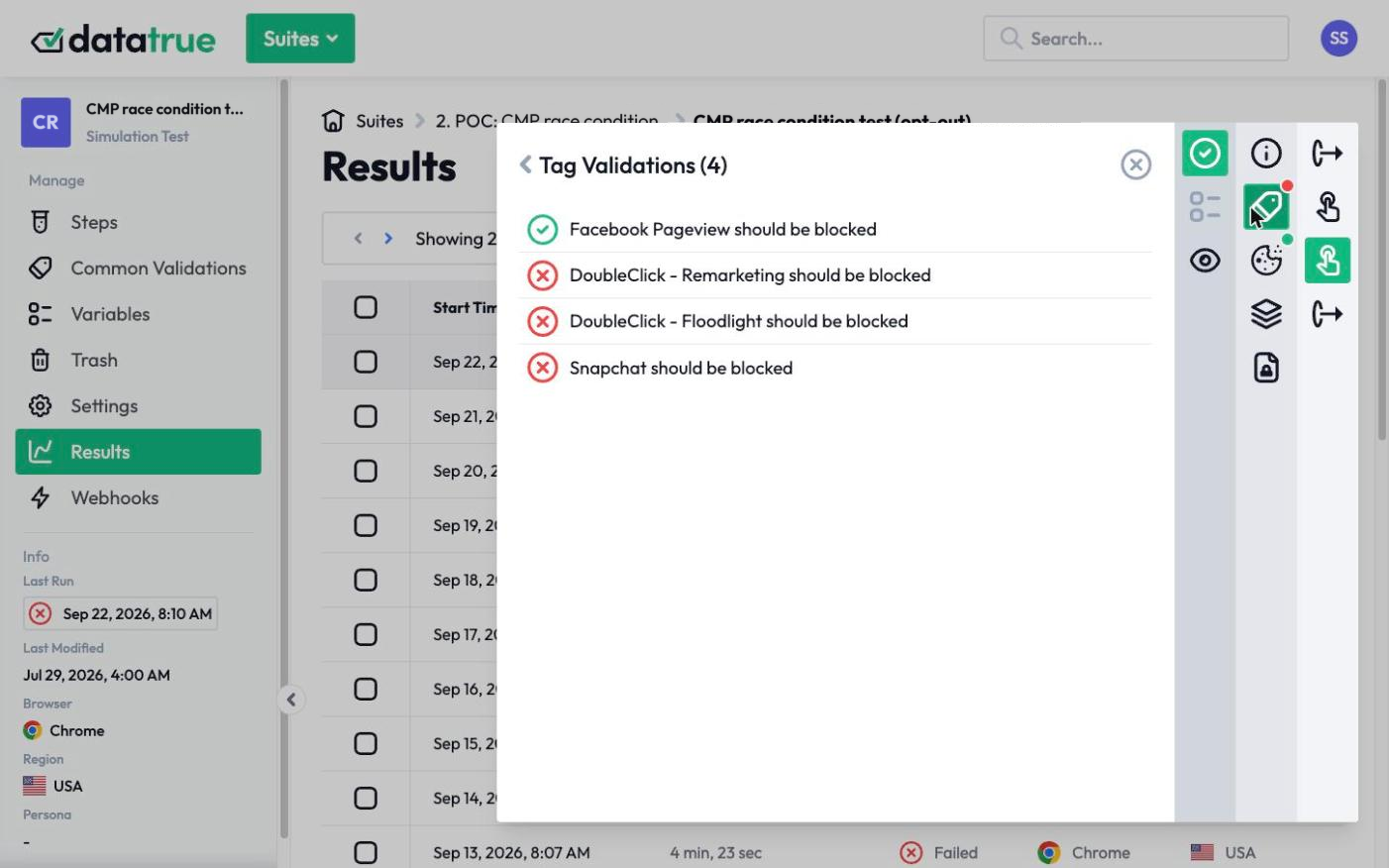
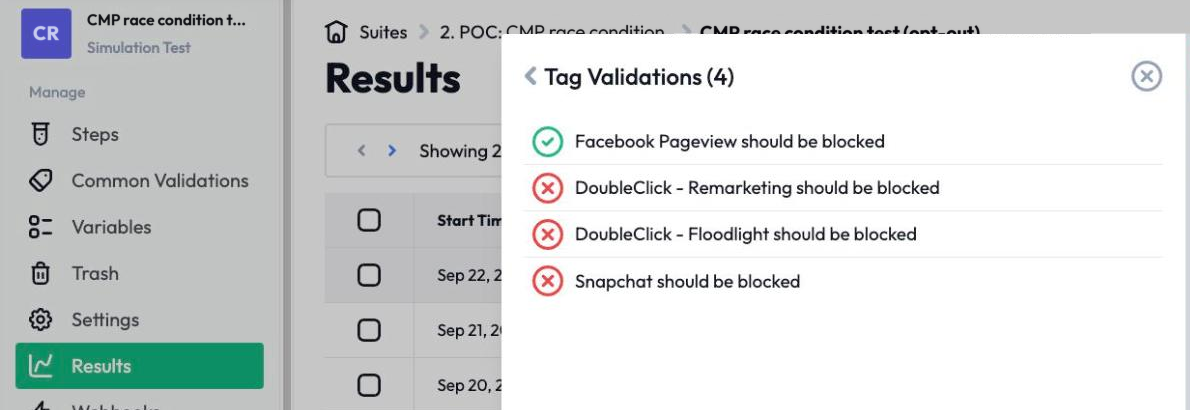
Ongoing monitoring is what turns a CMP from a control you hope works into one you can prove works. Test your site in each consent state, granted, declined, and by category, and confirm that nothing non-essential fires before consent and that declined tags stay off. DataTrue does this independently of your CMP: it loads your pages the way a real visitor would, records what every tag does under each consent choice, detects tags that fire when they should not, and gives you a timestamped record for an audit. It also watches continuously, so a change that breaks consent is caught rather than discovered later.
Questions
What is a CMP?
A consent management platform is software that collects, records, and applies a visitor’s consent choices in line with data protection laws. It can fire tags where consent was given and hold them back where it was not, and it stores the consent record you may need to produce for a regulator.
Is a CMP enough for compliance on its own?
No. A CMP records and instructs, but it does not physically stop every tag. Tags added outside its control, or loaded by third-party scripts, can fire regardless of what a visitor chose. CMP implementations are not foolproof, so compliance depends on verifying that your tags actually honor the consent the CMP recorded.
How do I check that my CMP is working?
Test your live site in each consent state and confirm the tags behave correctly: nothing non-essential before consent, and declined tags staying off. This is best done independently of the CMP itself, by loading the site the way a visitor would and recording what each tag actually sends.
Why do CMP implementations fail?
Usually because a tag runs outside the path the CMP governs. A tag hardcoded into a page, added directly rather than through the managed tag manager, or injected by another vendor’s script will not obey the CMP. These are invisible on the surface and only show up when you test what the page actually sent.
Does verifying consent require changing my site?
No. Verification loads your site externally, the way a real visitor’s browser would, and records tag behavior under each consent state. DataTrue doesn’t ask you to add any script, tag or code to your site, so there is no code change to review.
See what your tags do in every consent state
DataTrue loads your real pages as a visitor who accepts, rejects, or sends an opt-out signal, and reads what each tag sends. A tag that ignores the visitor’s choice shows up in a test.
- Every page, with coverage scans
- Scheduled runs, with alerts when a result changes
- Full journeys, like checkout and signup, in each consent state
- What each tag sent, field by field
- PII detection with test personas
- iOS and Android app testing
- Pre-publish testing for GTM and Adobe Tags
- REST API, plus Slack and Jira alerts
The full platform, every feature, free for 30 days.