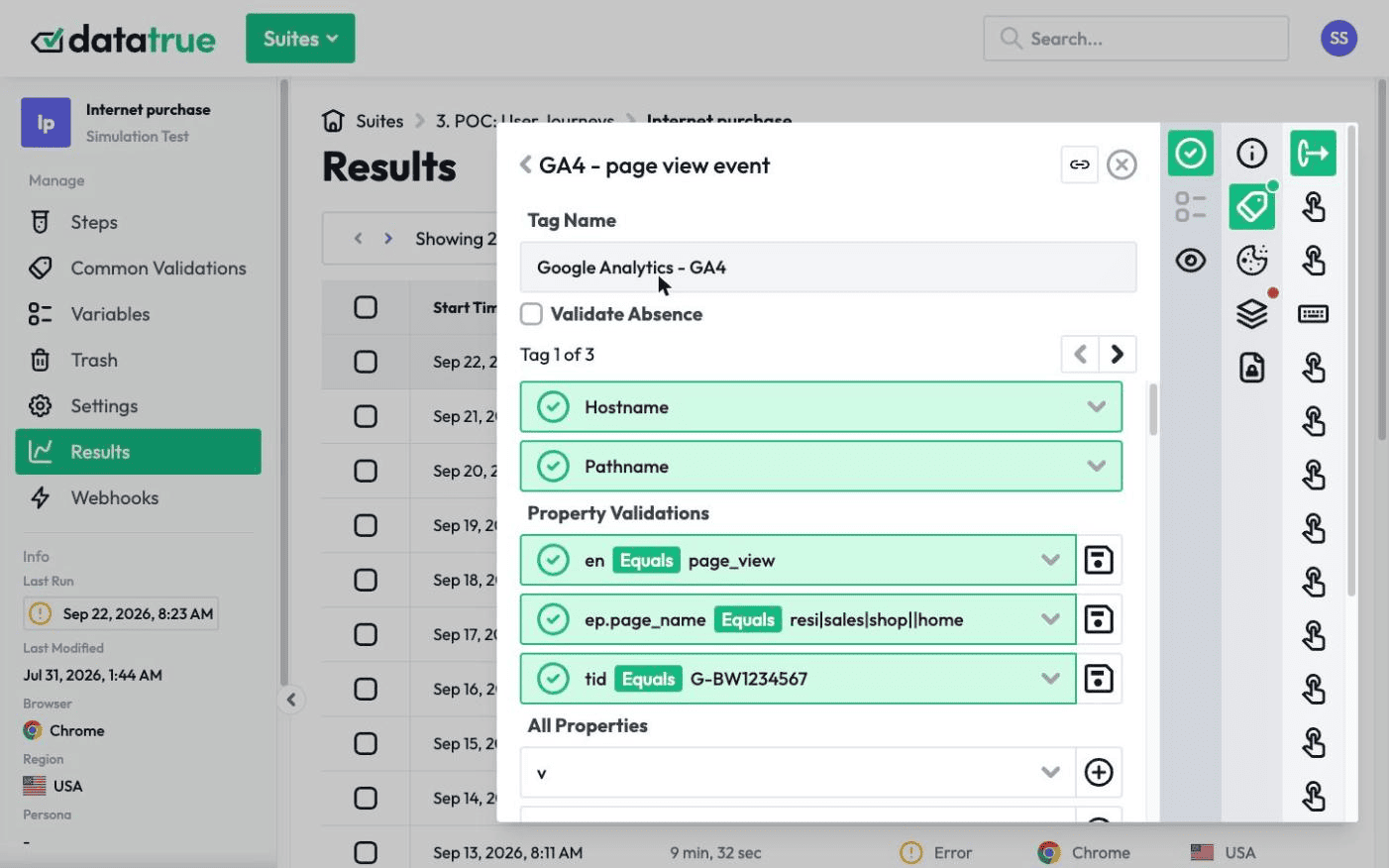
What Is Data Layer Testing?
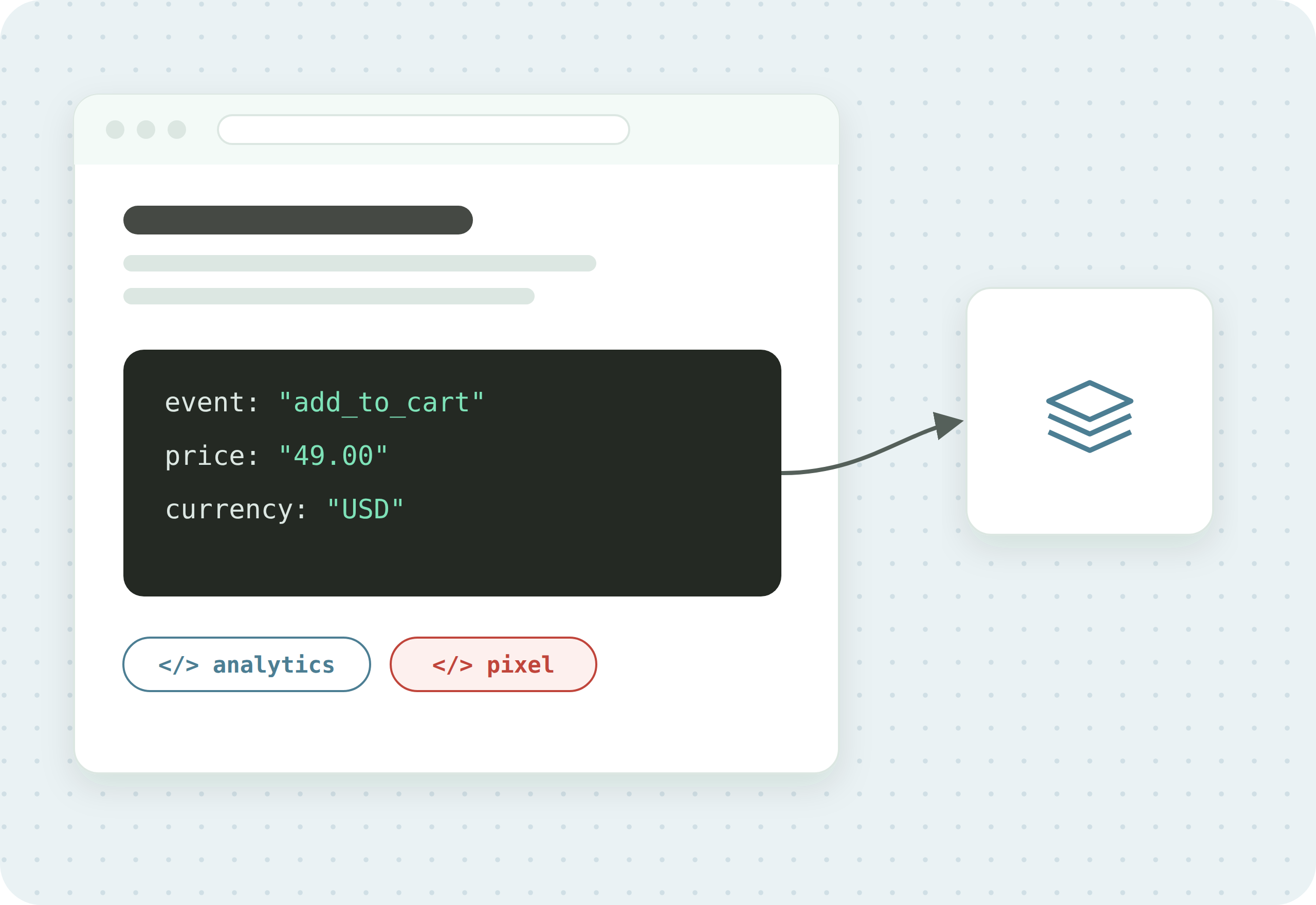
Summary
Data layer testing is the practice of checking that the data in your website’s data layer is complete, correct, and in the right format before your tags read it. Because tags depend on the data layer, a wrong or missing value there produces wrong analytics even when every tag fires perfectly. Automated testing makes this repeatable.
The sections below explain why the data layer is worth testing on its own, what can go wrong in it, and how to test it. The last section shows how DataTrue tests the data layer.
Why the data layer is worth testing on its own
The data layer is the structured object on a page that holds the values your tags read, things like product price, order total, currency, and page type. It is a source your tags read from. That makes it powerful, and it also makes it a single point of failure. If the data layer hands a tag the wrong value, the tag fires exactly as designed and still reports the wrong number, so the error never shows up as a broken tag. It shows up later as a figure that does not add up.
Testing the tags alone does not catch this. A tag can pass every firing check and still be fed a bad value. Testing the data layer is how you check the input, not just the mechanism.
What can go wrong in the data layer?
The failures are quiet, which is what makes them worth testing for:
- Missing values. A key the tag expects is absent, so the event arrives with a blank field, like a purchase with no revenue.
- Wrong values. The data layer holds the wrong number, currency, or ID, often after a template or catalogue change.
- Wrong format. A price sent as text instead of a number, a date in the wrong format, or an array where an object is expected.
- Values that change on a release. A new deploy renames a key or moves a value, and every tag that read it starts collecting nothing, silently.
- Consent keys not set. The data layer does not carry the consent state it should, so downstream tags cannot gate correctly.
- Edge cases. Out-of-stock products, discounted items, multi-currency carts, and guest checkouts often populate the data layer differently from the happy path, and those are the paths least likely to be checked by hand.
How do you test the data layer?
You test it by comparing what the data layer actually contains against what it should contain, across your key pages and journeys, on a schedule rather than by hand. The practice:
- Define the expected data layer. Write down the keys each page and journey step should populate, and the type and format of each value. This is your reference.
- Read the real data layer. Capture what the data layer holds at each step of a real journey, from the page itself.
- Validate values and formats. Check each value against the reference, including type and format, not just presence. A price should be a number, a currency should be a valid code.
- Validate objects property by property. When a value is a structured object, check its individual properties, not just that the object exists.
- Test the edge cases and each consent state. Run the out-of-stock, discounted, and multi-currency variants, and confirm the data layer carries the right consent state before and after a visitor consents.
- Monitor on a schedule. Data layers change with every release, so re-run these checks continuously and alert when a value drifts, so a break is caught in hours rather than at the next report.
How DataTrue tests the data layer
DataTrue reads and validates the data layer as part of testing your live site and apps. In a journey test it captures the data layer at each step and checks the values against what you defined, including property-level validation for structured objects, and it can pull the same checks from other sources on the page such as the DOM, cookies, and the URL when the value does not live in the data layer. Because DataTrue runs as an independent cloud platform, there’s nothing of ours to install on your pages. Test visits do reach your analytics and ad tools like any real visit, so we give you our IP addresses to filter them out of Google Analytics and other reports. It works well for regression testing after a release and for continuous data-quality monitoring.
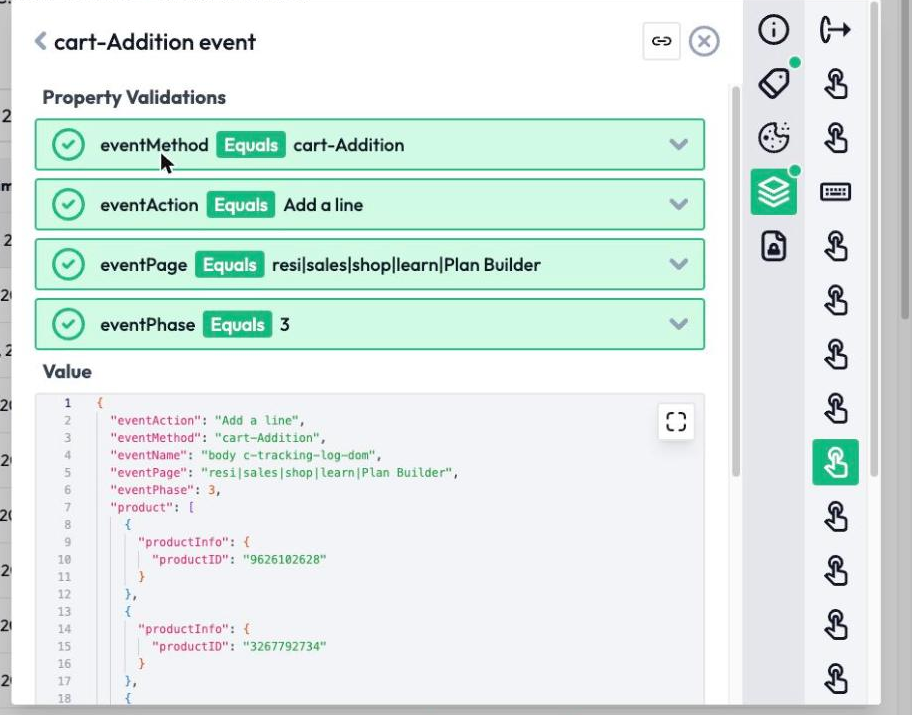
For the full feature walkthrough, see DataTrue’s data layer validation feature. To see it alongside the rest of tag testing, see web analytics testing.
Questions
What is data layer testing?
It is checking that the data in your website’s data layer is complete, correct, and in the right format before your tags read it, so a wrong or missing value there does not turn into wrong analytics.
How is data layer testing different from tag testing?
Tag testing checks that a tag fires and sends data. Data layer testing checks the values the tag is fed. A tag can fire perfectly and still report the wrong number if the data layer behind it is wrong.
What is data layer validation?
It is the automated version of data layer testing: software reads the data layer and checks each value against a defined expectation, including type, format, and the properties of structured objects.
Can you test the data layer automatically?
Yes. Automated testing captures the data layer across your pages and journeys and validates it on a schedule, which is the only practical way to keep it correct as your site changes.
How often should you test the data layer?
Continuously, or at least on every release, because a deploy is the most common moment for a data layer value to move or disappear.
Know what your tags send, page by page
DataTrue runs real journeys on your site and checks each tag’s data against what you expect, field by field. A missing event or a wrong value shows up in a test before it reaches a report.
- Every page, with coverage scans
- Scheduled runs, with alerts when a result changes
- Full journeys, like checkout and signup, in each consent state
- What each tag sent, field by field
- PII detection with test personas
- iOS and Android app testing
- Pre-publish testing for GTM and Adobe Tags
- REST API, plus Slack and Jira alerts
The full platform, every feature, free for 30 days.