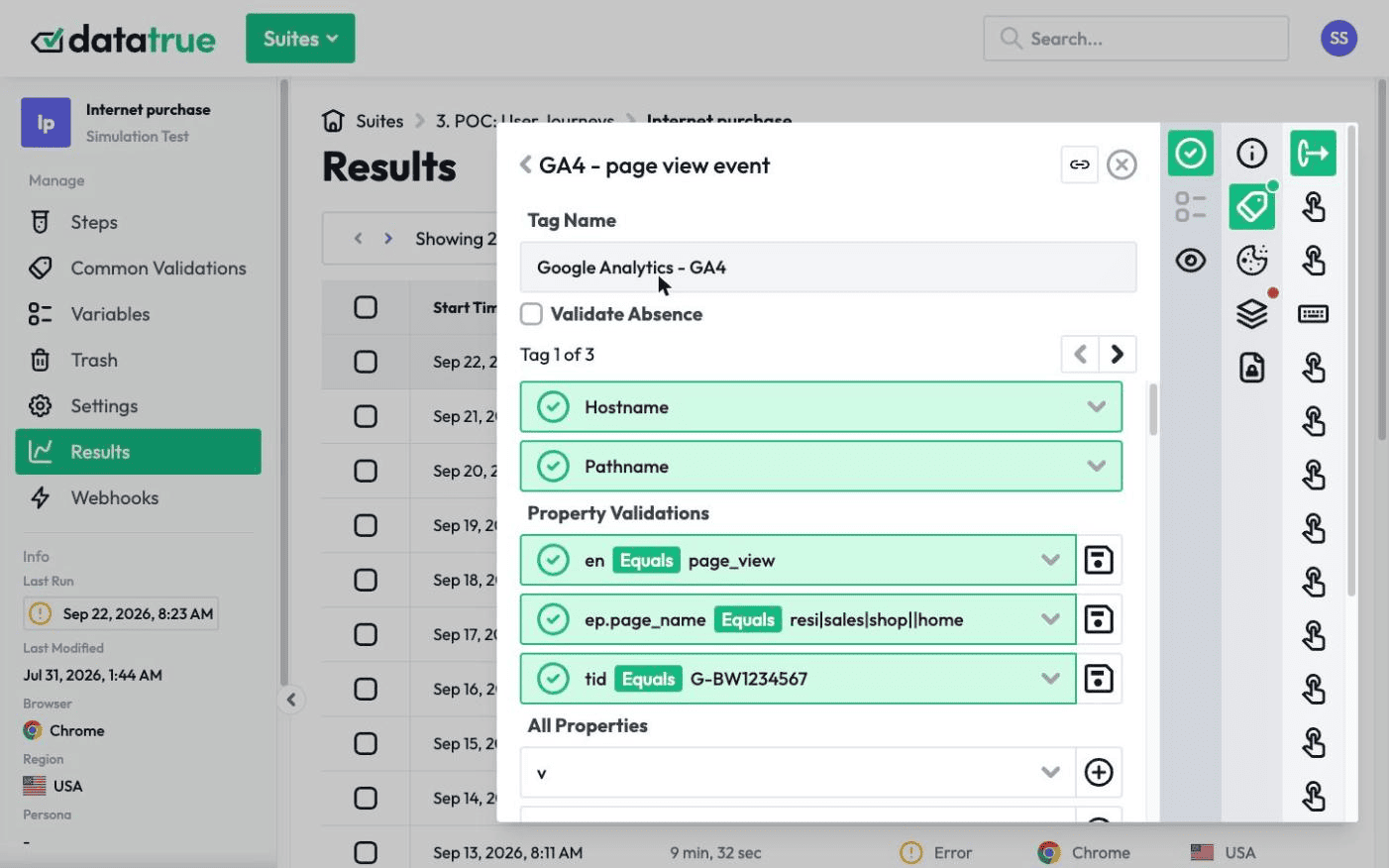
Tag Management: Audit, Manage, and Understand Your Tags
Tags get added over the years by different people and tools. This section is where we explain how to keep that under control: the fundamentals, how to audit and manage your tags, and a sourced reference for what the common tags actually collect. Each guide answers a real question in plain language and points to the next step.
If you are new to tags, start with the basics. The later sections cover managing and migrating tags through a tag management system, and what each common tag actually collects.
Summary
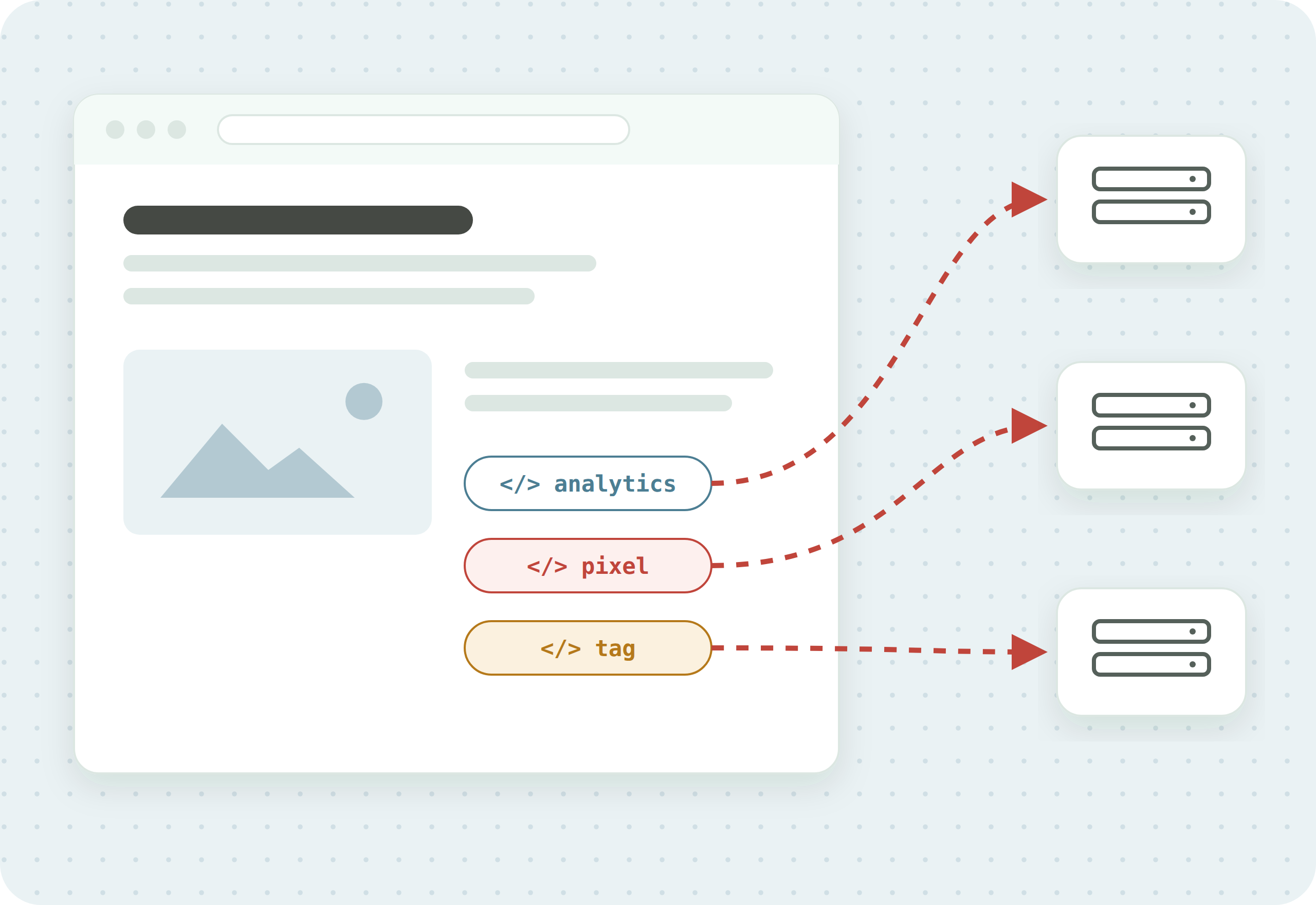
Tags are the small scripts that track visitors and send data to analytics and advertising tools. Managing them well means three things: understanding what tags are, auditing that they fire correctly and collect accurate data, and knowing exactly what each one collects. This hub links to the guides for all three.
Start with the basics
New to tags, or want the foundation before the detail.
Manage and migrate your tags
Deploying and maintaining tags through a tag management system.
What your tags actually collect
The privacy angle: the data each tag sends, and where it goes.
Individual tag privacy profiles: Meta Pixel · TikTok Pixel · Google Analytics · Google Ads · LinkedIn Insight Tag: what each collects, its privacy risk, and how DataTrue detects it.
Questions
What is tag management?
Tag management is the practice of deploying, organizing, and maintaining the tracking tags on your website so they fire correctly and collect accurate data. Many sites use a tag management system such as Google Tag Manager to control every tag from one place.
What is the difference between tag management and a tag audit?
Tag management is how you deploy and organize tags. A tag audit is how you check that those tags actually work, firing where they should and sending the right data. You need both.
How do I find out what data my tags collect?
Start with What Your Tags Actually Collect for the common tags, then run a tag audit that inspects the data each tag sends on your own site, in each consent state.
Know what your tags send, page by page
DataTrue runs real journeys on your site and checks each tag’s data against what you expect, field by field. A missing event or a wrong value shows up in a test before it reaches a report.
- Every page, with coverage scans
- Scheduled runs, with alerts when a result changes
- Full journeys, like checkout and signup, in each consent state
- What each tag sent, field by field
- PII detection with test personas
- iOS and Android app testing
- Pre-publish testing for GTM and Adobe Tags
- REST API, plus Slack and Jira alerts
The full platform, every feature, free for 30 days.