What is data accuracy, and how do you keep analytics data accurate?
About this guideWritten by the DataTrue team. DataTrue tests analytics and marketing tags for enterprise teams, and this guide reflects the accuracy problems we see most often in live tag audits.
Summary
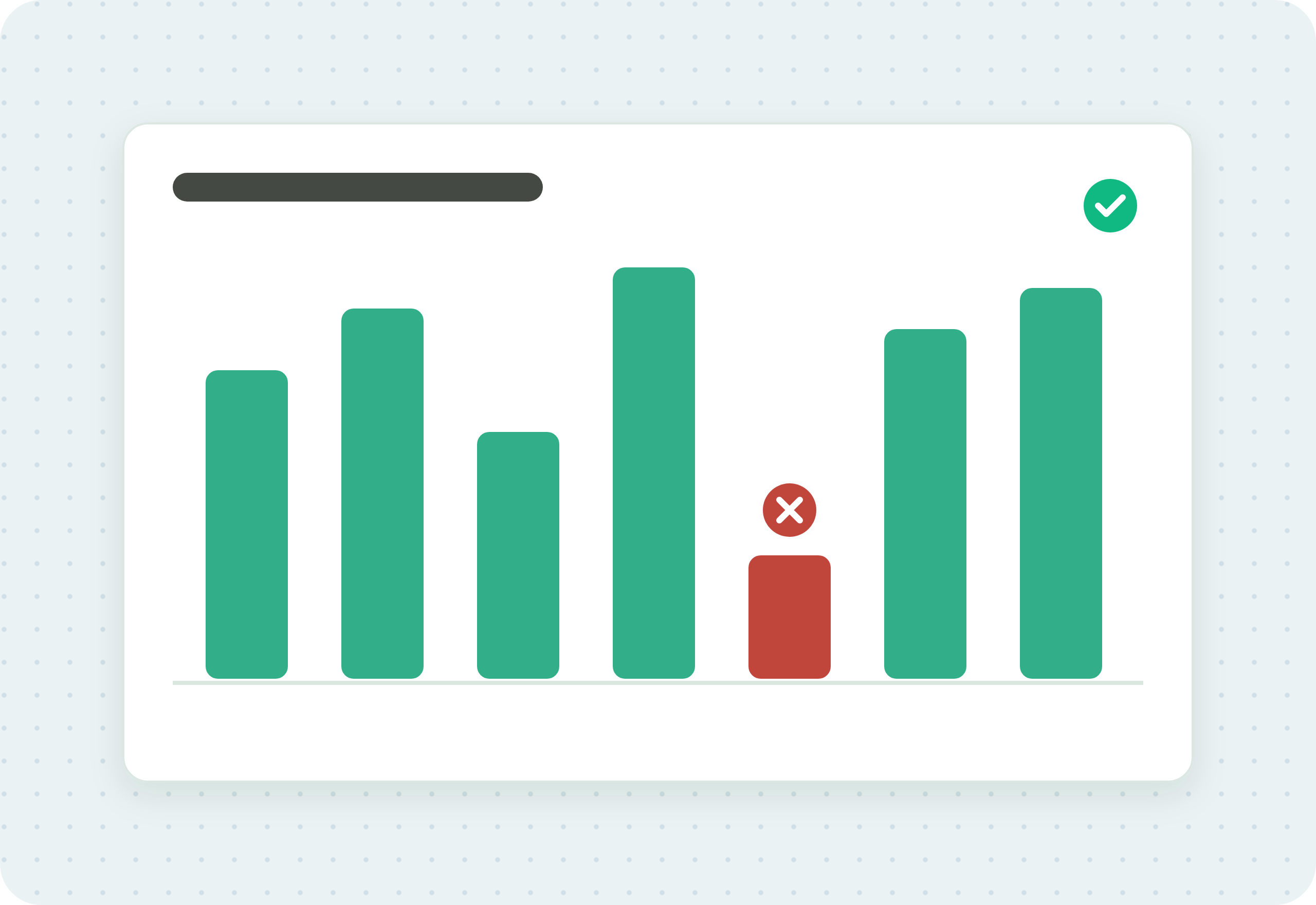
Data accuracy is the degree to which your analytics data matches what people actually did on your site or app. In tag-based analytics, it depends on every tag firing at the right moment and sending the right values. You ensure it by testing your tags continuously, checking the data they send, and catching breaks before they reach your reports.
Your analytics data is accurate when it reflects what really happened. A visitor bought one item, and your report shows one purchase, at the right value, in the right currency. That sounds simple, but the tags and data layers feeding your analytics break quietly, and a report can look normal while the numbers underneath it are wrong. This guide explains what data accuracy means for tag-based analytics, why it slips, and how to keep it high.
Start with the causes of inaccuracy, since none of them announce themselves. The later sections compare accuracy with data integrity, its companion, and show how DataTrue helps keep your analytics data accurate.
What data accuracy means in analytics
Data accuracy is how closely your collected data matches reality. For analytics and marketing tags, that reality is the actual behaviour of real users: pages viewed, forms submitted, items added to a cart, purchases completed. Data is accurate when each of those events is recorded once, with the right values, and reaches the tool that needs it.
Accuracy is not the same as having a lot of data. You can collect millions of events and still be inaccurate if a checkout tag double-fires, a currency field is blank, or a release quietly stops an event from sending. Volume tells you data is arriving. Accuracy tells you the data is right.
Why analytics data becomes inaccurate
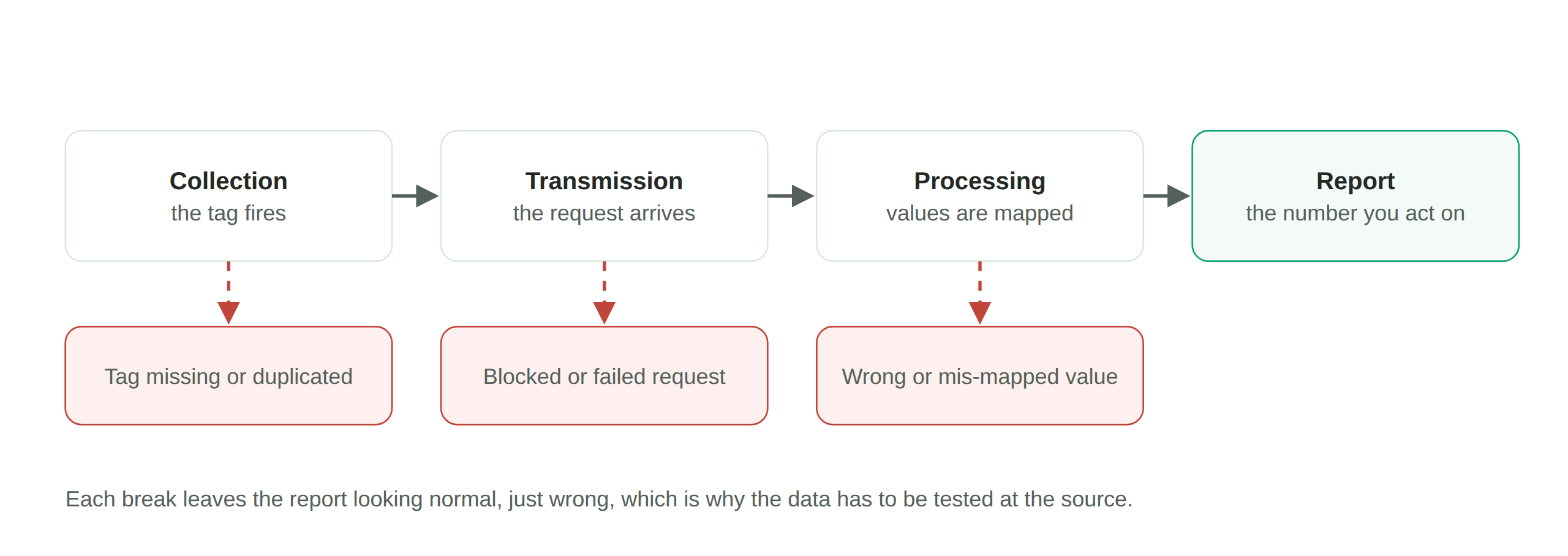
Most inaccuracy in tag-based analytics comes from a small set of causes, and none of them announce themselves:
- A tag fires at the wrong time, or not at all. A purchase tag that fails to fire loses conversions. One that fires twice inflates them.
- The data layer feeds a tag the wrong value. The data layer is the structured object on the page that your tags read from. If it holds a wrong price or an empty field, a perfectly working tag still sends a wrong number.
- A code release breaks tracking silently. A new deploy changes a button, a URL, or a variable name, and an event that used to fire stops. Nothing looks broken on the page, so no one notices until the report does.
- Consent settings block or allow the wrong tags. When a tag fires before a visitor consents, or fails to fire after they do, the data you collect no longer matches what you were allowed to collect.
- Events are duplicated or missing across a journey. A multi-step journey, like a signup or a checkout, has to record each step once. Skips and repeats both distort the funnel.
- A visitor ID is lost across domains. When a user crosses from one domain to another and the ID resets, one person becomes two, and every downstream metric drifts.
The pattern behind all of these is the same. The failure is invisible on the surface, and the first sign is usually a number that does not add up, discovered well after the data was already collected.
How do you ensure data accuracy?
You keep analytics data accurate by testing the tags and the data behind them, on a schedule, not by spot-checking after something looks wrong. The steps below describe the practice, whatever tool you use to run it.
- Define what “correct” looks like. Write down the tags that should fire on each key page and journey step, and the exact values each should send. This is your reference for every later check.
- Test the whole site for coverage. Scan every page to confirm the right tags are present, no unapproved tags are firing, and none are duplicated. This is the full-coverage view of what is actually tagged.
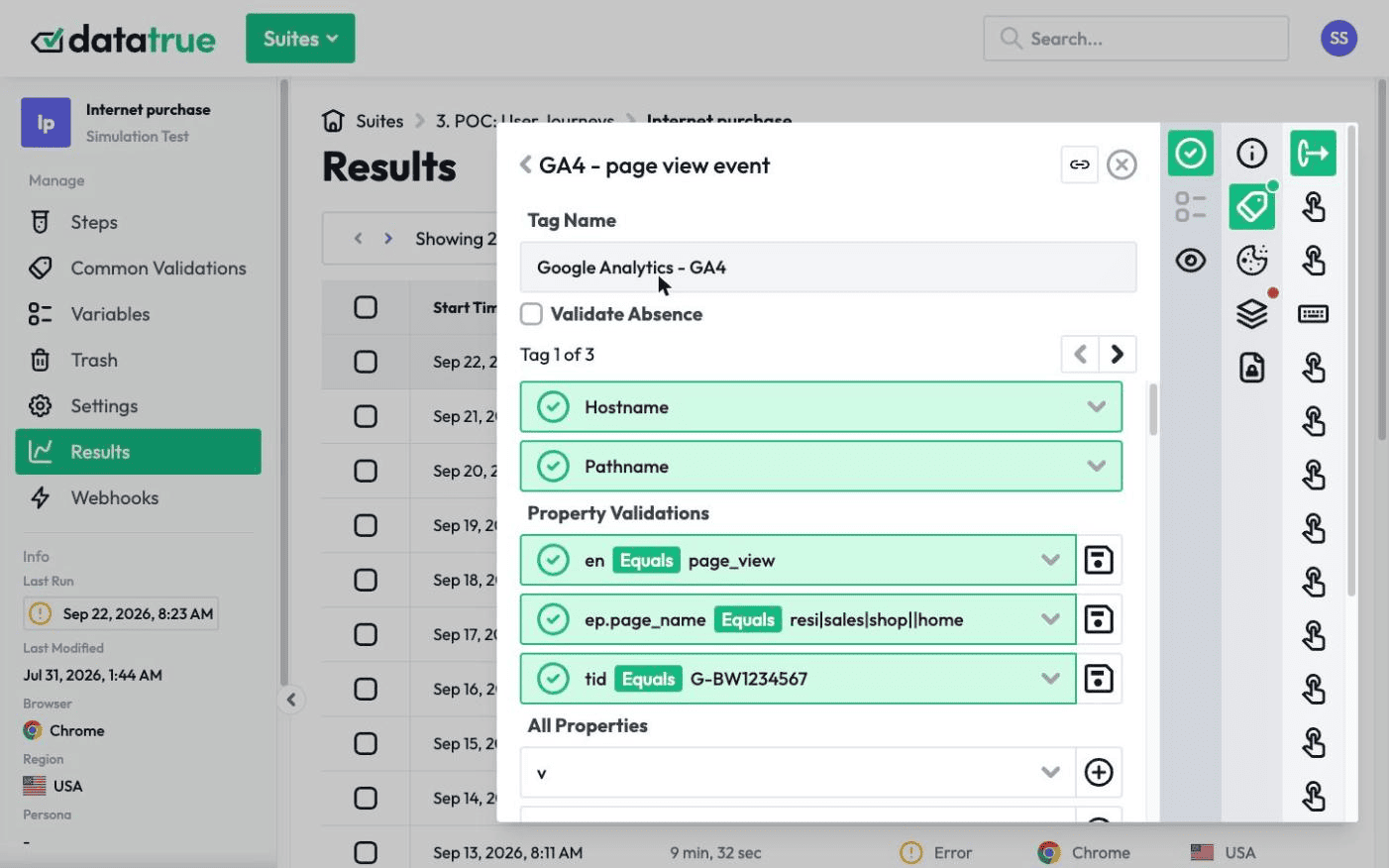
- Simulate your key journeys step by step. Walk through a real signup or checkout and check what each tag sends at each step, including the values in the data layer. Coverage tells you tags exist. Journey testing tells you they carry the right data when it matters.
- Test each consent state. Run the same journey with consent granted and denied, and confirm tags fire only when they are allowed to.
- Test before you publish, not only after. Check a new tag configuration against a staging container before it goes live, so a broken change is caught before it ever collects wrong data.
- Monitor continuously and alert on breaks. Sites and tags change constantly. Run these checks on a schedule and get alerted when something stops matching your reference, so you fix it quickly instead of finding it at quarter-end.
Done together, these turn data accuracy from something you hope for into something you can prove.
Data accuracy vs data integrity
These two terms are related and often used together, but they answer different questions. Data accuracy asks whether the data is right: does it match what actually happened. Data integrity asks whether the data stays complete and consistent as it moves and is stored: does it arrive whole, without being lost, altered, or duplicated along the way. Accurate data can lose integrity if part of it drops in transit, and data can keep its integrity while being consistently wrong. You want both. Our companion guide covers data integrity for analytics and tags in depth.
How DataTrue helps you keep analytics data accurate
DataTrue tests and monitors the tags feeding your analytics, on your live site and apps, and adds pre-publish testing on top so problems are caught before they reach production.
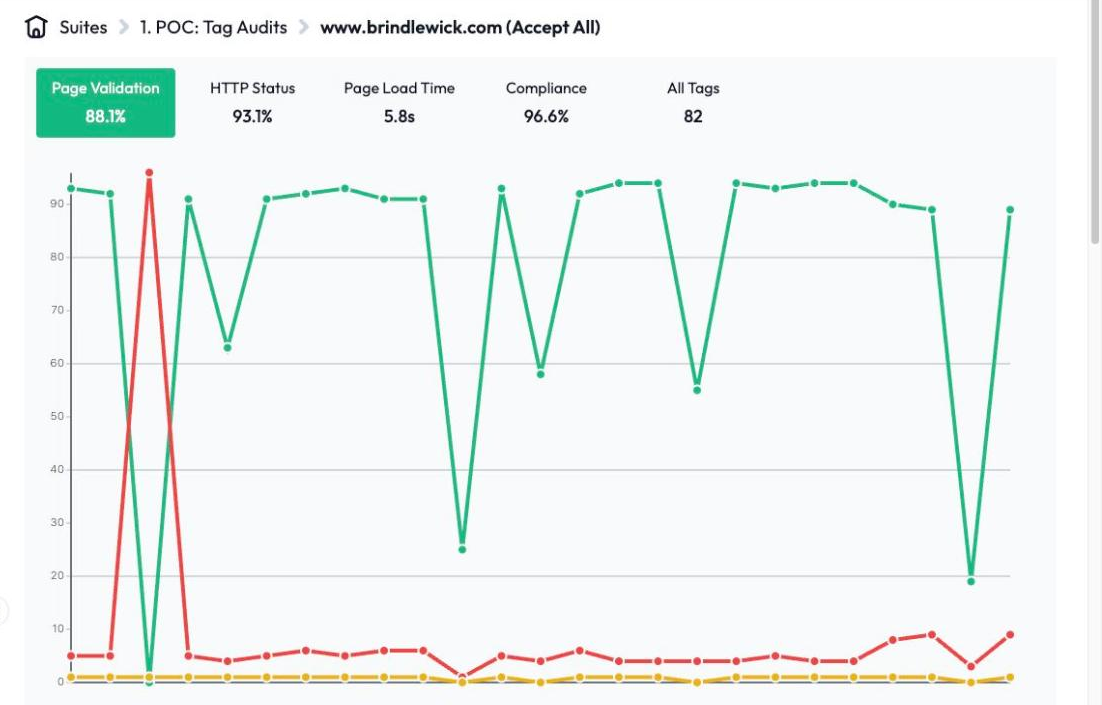
Coverage tests crawl your whole site and report which tags are present, missing, or duplicated. Simulation tests walk your key journeys step by step and check the values each tag sends at each stage, including the data layer behind them. You can run the same journey in each consent state, and test an unpublished container before it goes live. Because DataTrue runs as an independent cloud platform, there’s nothing of ours to install on your pages. Test visits do reach your analytics and ad tools like any real visit, so we give you our IP addresses to filter them out of Google Analytics and other reports.
To see how the data layer feeding your tags is validated, including edge cases like empty arrays and out-of-stock items, see our data layer validation page. For the analytics setup itself, our GA4 guides cover ecommerce tracking, event tracking, and the data layer in detail.
Questions
What is data accuracy?
Data accuracy is the degree to which your collected data matches what actually happened. In analytics, that means each user action is recorded once, with the right values, and reaches the right tool.
How is data accuracy different from data quality?
Data quality is the broad measure of whether data is fit for use, and accuracy is one part of it, alongside completeness, consistency, and timeliness. Accuracy is the part that asks whether the values are correct.
How do you measure data accuracy in analytics?
Compare what your tags send against a defined reference of what they should send, across your pages and key journeys. Coverage scans check which tags fire, and journey simulations check the values they carry.
Why is my analytics data inaccurate?
The most common causes are tags that misfire or fail to fire, a data layer feeding wrong values, code releases that break tracking silently, and consent settings that block or allow the wrong tags.
Can you improve data accuracy without changing your website?
Yes. Testing and monitoring tools like DataTrue run independently of your site, so you can find and diagnose accuracy problems without adding any script, tag or code to your site.
Know what your tags send, page by page
DataTrue runs real journeys on your site and checks each tag’s data against what you expect, field by field. A missing event or a wrong value shows up in a test before it reaches a report.
- Every page, with coverage scans
- Scheduled runs, with alerts when a result changes
- Full journeys, like checkout and signup, in each consent state
- What each tag sent, field by field
- PII detection with test personas
- iOS and Android app testing
- Pre-publish testing for GTM and Adobe Tags
- REST API, plus Slack and Jira alerts
The full platform, every feature, free for 30 days.