Analytics and Data Quality
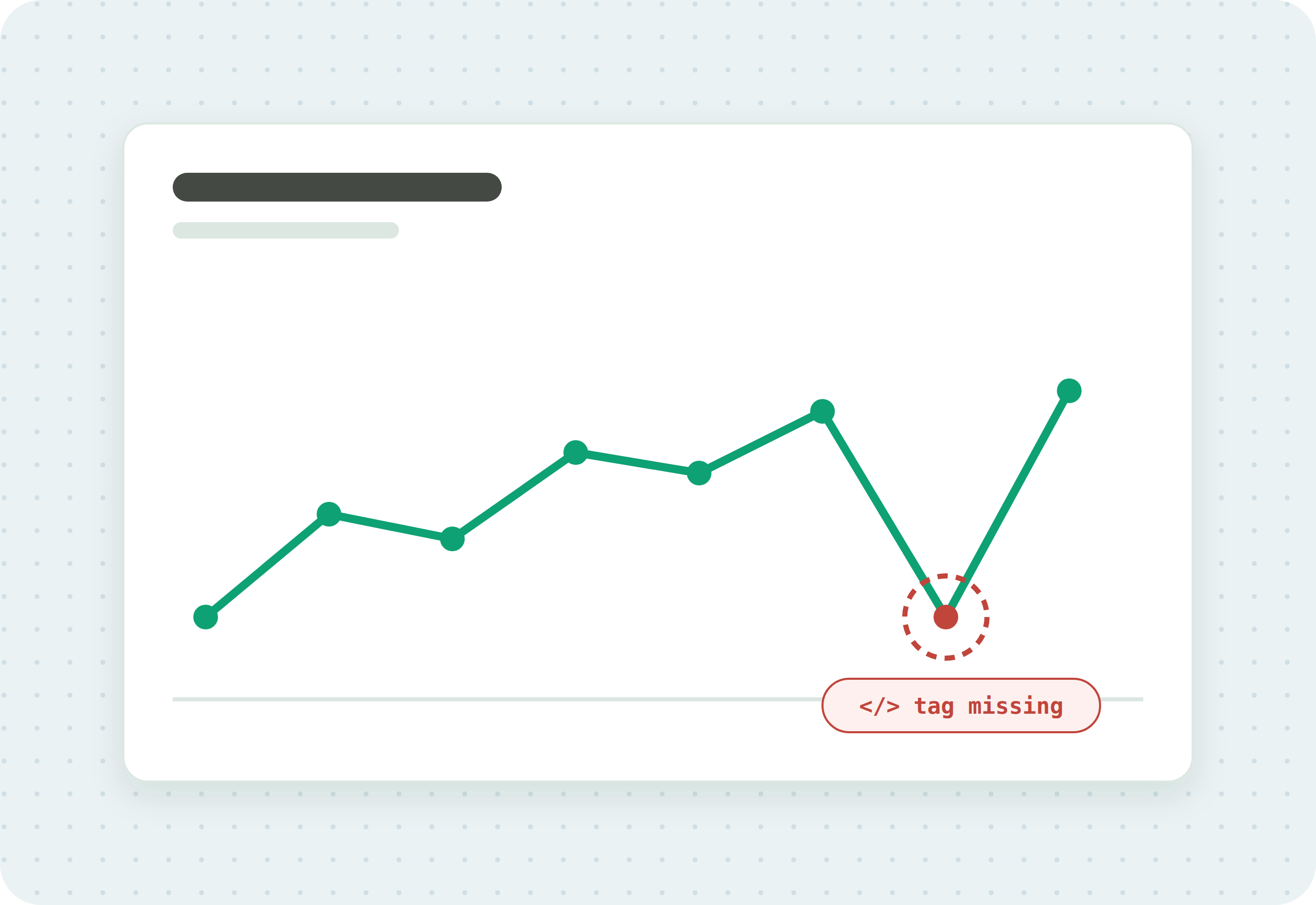
Analytics data breaks quietly. A tag stops firing after a release, a data layer sends the wrong value, an event double counts, and the report still looks normal while the numbers underneath it are wrong. This section explains how to keep analytics data trustworthy: what data quality means, how to set GA4 up correctly, and how to test the data layer that everything depends on.
If you are new to data quality, start with the fundamentals. If you already know what is wrong, go straight to the GA4 setup guides or the data layer guides.
Summary
Your analytics are only useful if the data behind them is right. Data quality is the practice of making sure the events your tags collect are accurate and complete, from the data layer that feeds them to the reports you read. This hub links to the guides for accuracy, GA4 setup, and the data layer.
Data quality fundamentals
What trustworthy data means, and how the pieces fit.
GA4 setup
Getting Google Analytics 4 tracking right.
The data layer
The structured source your tags read from, and how to test it.
What is a data layer?
What a data layer is, how it works in Google Tag Manager, and how to set one up.
GuideData layer testing
Checking that the values feeding your tags are complete and correct, and how to automate it.
GuideData layer unit testing
Verifying the right tags fire, with the right data, when a data layer event happens, including edge cases.
Questions
What is data quality in analytics?
Data quality is how well your analytics data reflects what actually happened on your site. It covers accuracy (the values are correct) and integrity (the data stays complete and unaltered from collection to report).
What is the difference between data accuracy and data integrity?
Accuracy is whether the data is correct when it is captured. Integrity is whether it stays complete and consistent as it moves and is stored. You can have one without the other, and you need both.
How do I keep my GA4 data accurate?
Set up your events and data layer correctly, then test that each event fires with the right values on your key pages and journeys, and monitor for changes after every release.
Know what your tags send, page by page
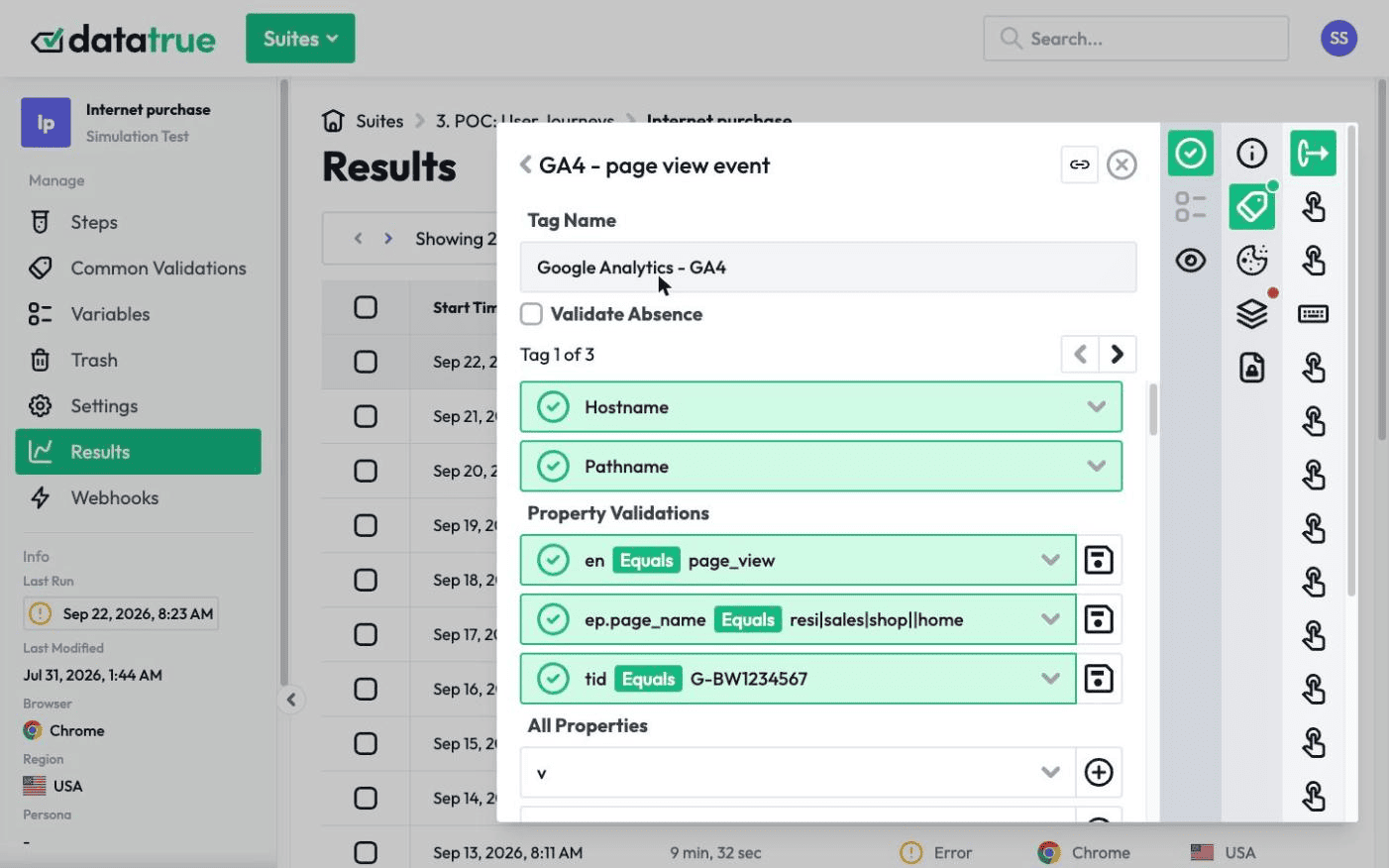
DataTrue runs real journeys on your site and checks each tag’s data against what you expect, field by field. A missing event or a wrong value shows up in a test before it reaches a report.
- Every page, with coverage scans
- Scheduled runs, with alerts when a result changes
- Full journeys, like checkout and signup, in each consent state
- What each tag sent, field by field
- PII detection with test personas
- iOS and Android app testing
- Pre-publish testing for GTM and Adobe Tags
- REST API, plus Slack and Jira alerts
The full platform, every feature, free for 30 days.