Test your tags before they go live
DataTrue continuously tests and monitors your live site and apps, and on top of that it tests your changes before you publish them. Run a full regression suite against an unpublished GTM Preview or Adobe Tags container, confirm every tag still fires and every consent rule still holds, and ship the release knowing it is clean.
The full platform, every feature, free for 30 days.
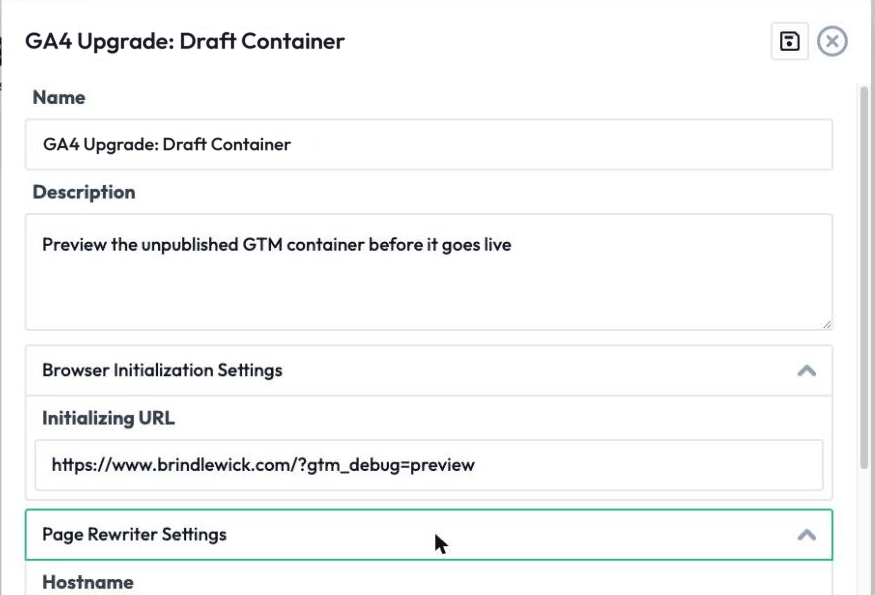
Pre-publish tag testing validates your analytics tags, data layer, and consent behaviour in a draft or staging container before the change goes live. DataTrue runs its full tests against unpublished Google Tag Manager Preview and Adobe Tags containers, so a broken tag or a consent regression is caught before any real visitor is affected.













Why do tag bugs surface after release?
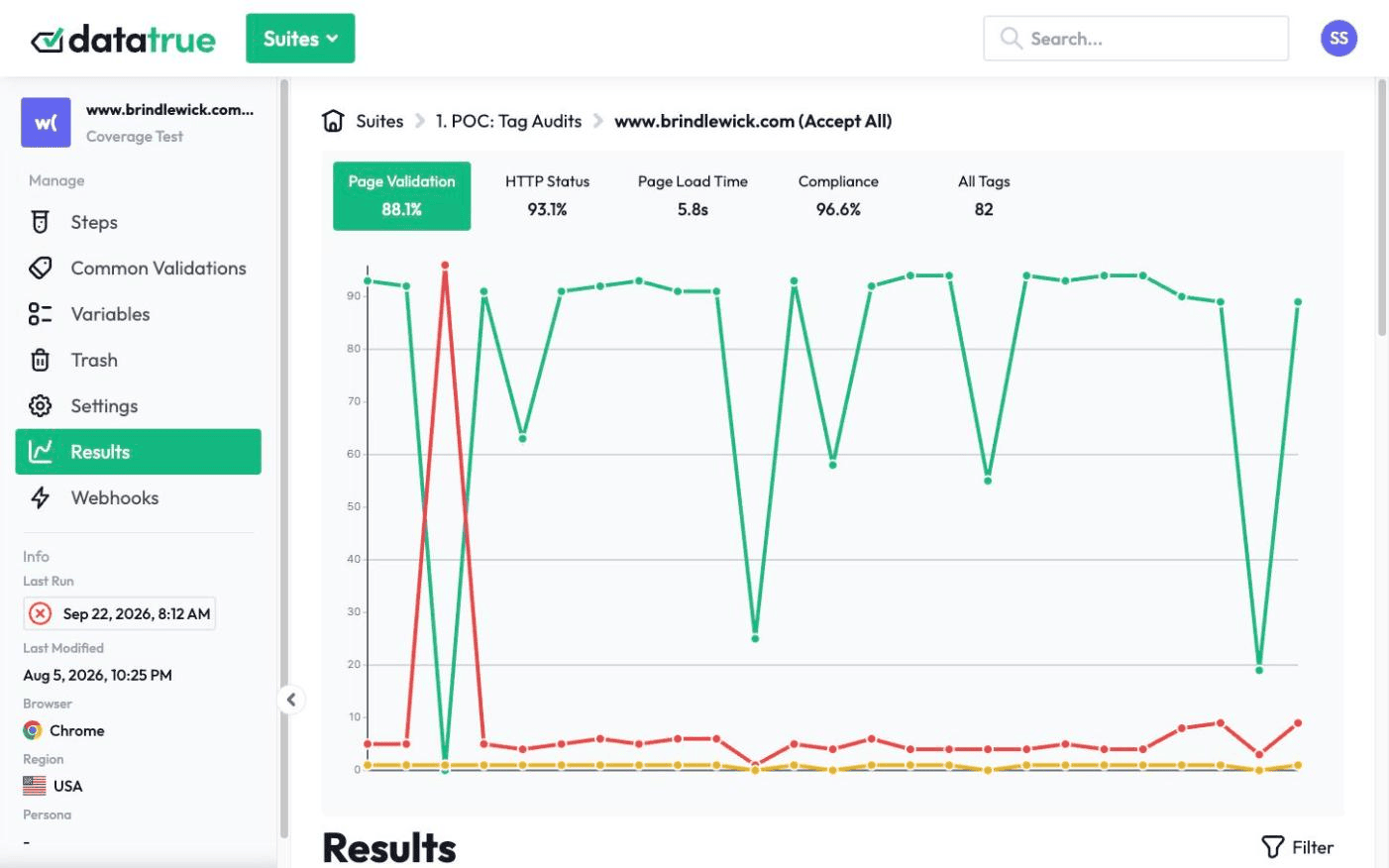
A developer updates a container, a tag reference changes, a consent rule gets dropped, and nobody knows until the data comes back wrong days later, or until a rogue pixel has already fired for real visitors. By then the bad data is collected and the exposure is created.
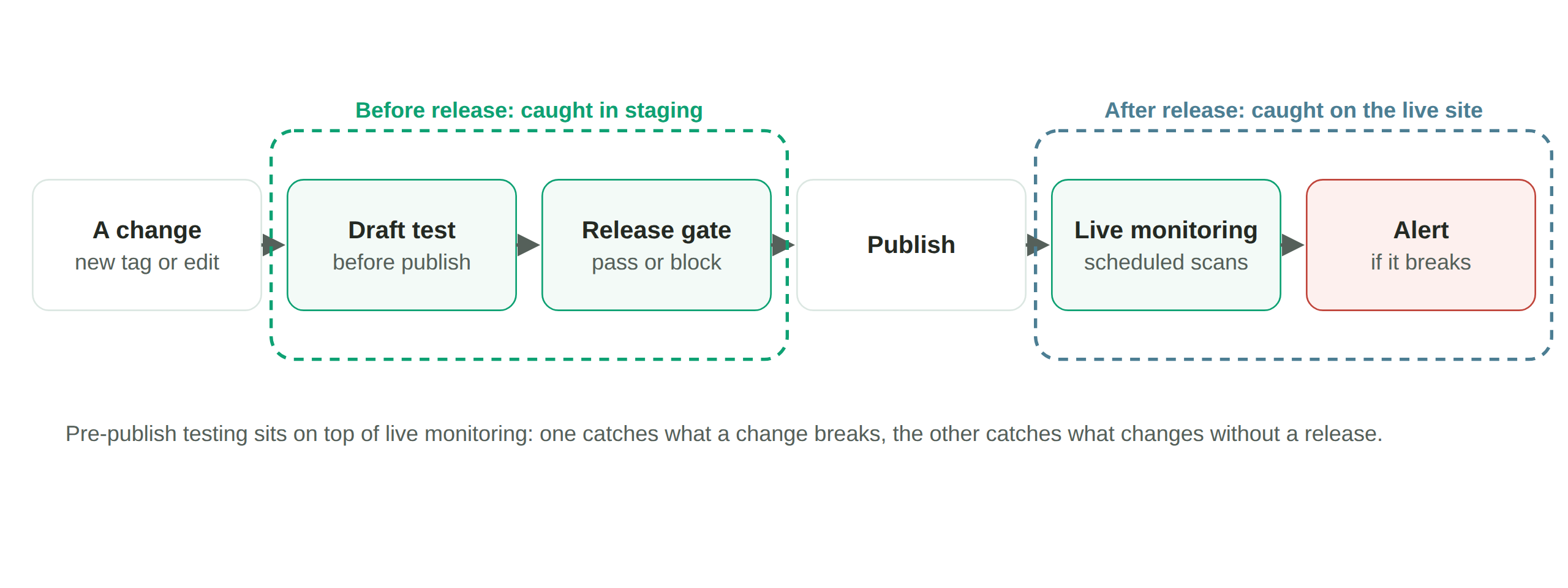
Live monitoring tells you fast. Pre-publish testing means you never had to find out the hard way at all.
Draft Tags: run your suite against the change before it publishes
DataTrue’s Draft Tags feature gives you the draft or preview version of your tag setup and rewrites the page to load that version instead of the live one when the test runs. So the same coverage scans and journey simulations you run on production now run against your unpublished Google Tag Manager Preview or Adobe Tags change, before it goes out.
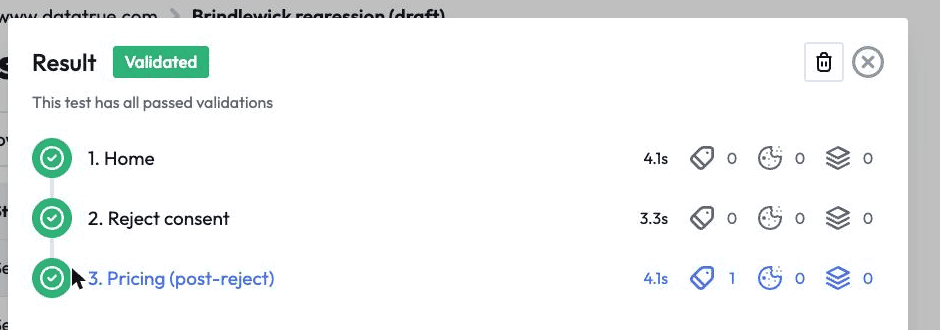
That is a step earlier in the deployment chain. A draft container has no URL of its own, so testing live pages alone can’t reach it. See DataTrue vs ObservePoint.
Gate a release on the result
Run the same suites automatically from your CI/CD pipeline through the CI API, so a failing tag blocks a release the way a failing unit test does. Route the result to Slack or Jira so the team sees why. Draft Tags is set on the suite and its schedule, so pre-publish runs are configured in DataTrue rather than triggered from the pipeline.
What it catches before production
Consent regressions (a tag that starts firing before consent again after a code change), broken or missing conversion tags, data-layer changes that break downstream reporting, and tags your policy doesn’t allow. Each of these is surfaced in staging, before release, instead of on the live site.
Does pre-publish testing replace live monitoring?
Pre-publish testing is one part of the picture. DataTrue still tests and monitors your live site and apps continuously, because plenty breaks after launch too, when a vendor changes a script or a tag simply stops firing. See web analytics testing and continuous monitoring & alerting.
Nothing is installed on your site. DataTrue doesn’t ask you to add any script, tag or code to your pages, so there is nothing to remove if you stop.
Catch it in staging, before it reaches production.
Start a free 30-day trialQuestions
How do you test analytics tags before deploying them?
Run automated tests against the unpublished container (GTM Preview or Adobe Tags staging) before you publish, checking that tags fire, payloads are correct, and consent rules hold. DataTrue does this as part of its platform.
Can DataTrue test an unpublished GTM or Adobe Tags container?
Yes. Draft Tags loads your draft or preview version at run time, so the full suite runs against the change before you publish it.
Does pre-publish testing replace live monitoring?
No. It is a layer on top. DataTrue tests and monitors your live site and apps continuously and adds pre-publish testing so problems are caught before a release ships.
Can it run automatically in CI/CD?
Yes. The CI API runs your suites from the pipeline, with results to Slack or Jira, so a failing test can block a release. Draft Tags runs are set on the suite and its schedule in DataTrue.
Related: web analytics testing, continuous monitoring & alerting, APIs, CI/CD & integrations. Guides: dynamic tag management explained, guide to tag management.
Put your tag and consent testing on a schedule
DataTrue runs coverage scans, journeys and consent checks on your live site, reads what each tag sends, and alerts your team when a result changes. There’s nothing of ours to install on your pages.
- Every page, with coverage scans
- Scheduled runs, with alerts when a result changes
- Full journeys, like checkout and signup, in each consent state
- What each tag sent, field by field
- PII detection with test personas
- iOS and Android app testing
- Pre-publish testing for GTM and Adobe Tags
- REST API, plus Slack and Jira alerts
The full platform, every feature, free for 30 days.