What Are Website Cookies? Types, Uses, and Privacy Explained
Summary
Website cookies are small text files a site stores in your browser to remember information about you. They let a site keep you logged in, hold items in a cart, remember your language, and recognize you on a return visit. That same ability to remember you is what raises the privacy questions around them.
Cookies are neither good nor bad on their own. What matters is what a cookie stores, who set it, and whether the visitor agreed to it. This guide explains what cookies do for a business, the privacy issues they raise, and where the compliance line falls.
For a site owner, the useful question is which cookies your own pages set, and whether each one has the agreement it needs. The final section, on governing cookies responsibly, covers how to answer that for your site.
What do businesses use cookies for?
Cookies serve several business functions:
- User experience. Cookies help a site remember preferences like language settings or login status, so a visitor does not start from scratch each time.
- Analytics. Cookies gather data on how people use a site, such as pages visited and time spent, which teams use to understand and improve it.
- Marketing. Cookies enable targeted advertising, which can be more effective than untargeted ads, and let teams measure campaigns.
- Functionality. Some features, like a shopping cart in an e-commerce store, rely on cookies to work at all.
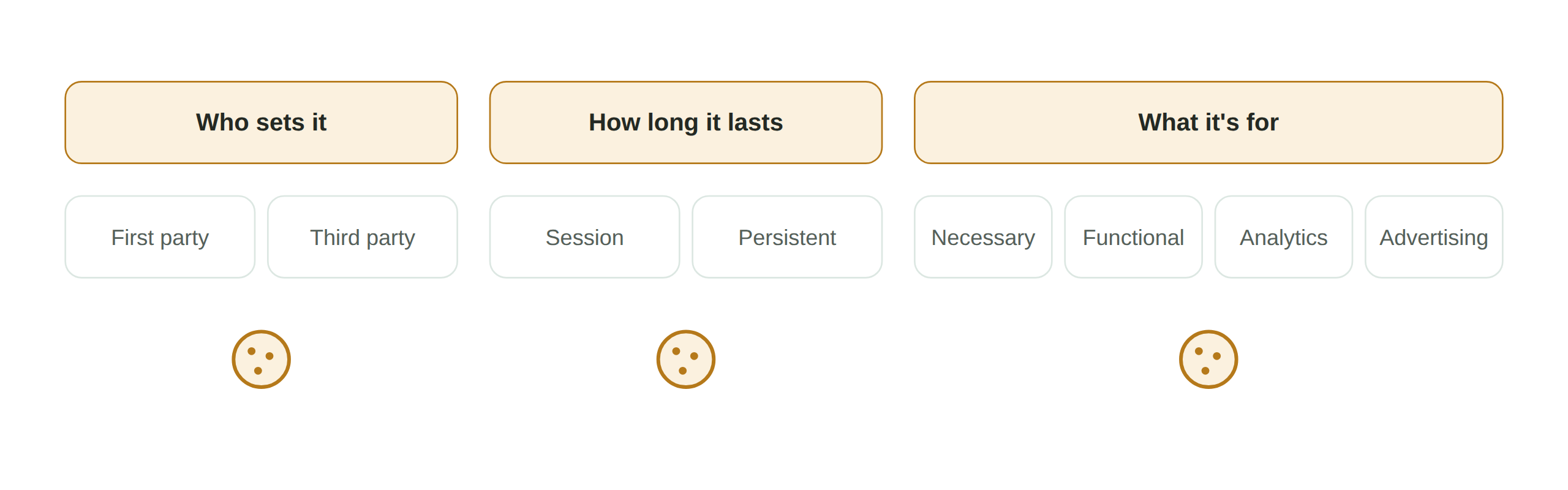
These uses map onto the cookie categories that matter for consent. Functional cookies are usually essential and can run without permission, while analytics and marketing cookies are non-essential and, in many regions, require consent first. For the full breakdown, see our cookie audit guide.
What privacy issues do cookies raise?
The same features that make cookies useful create privacy exposure:
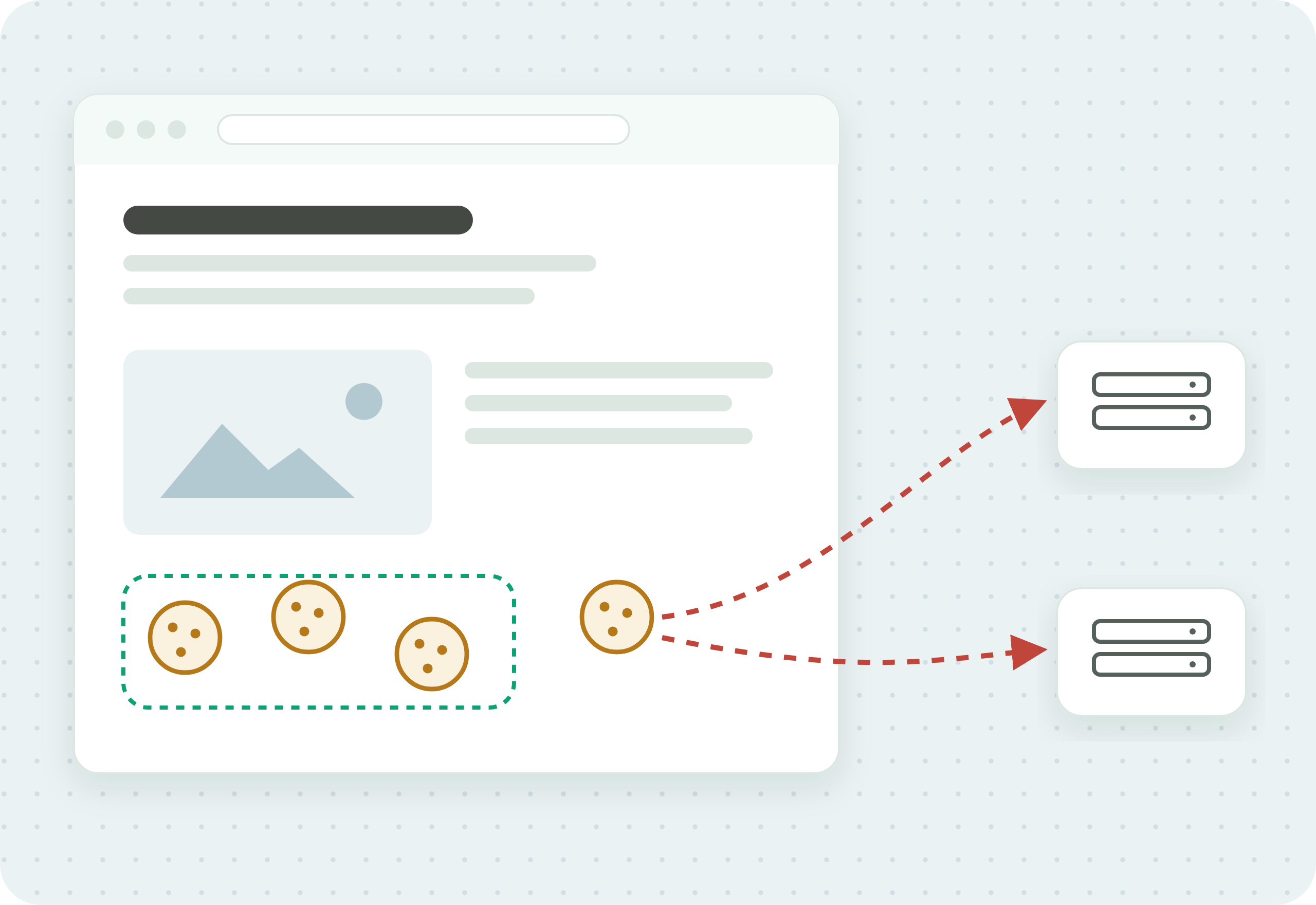
- Tracking and profiling. Cookies, especially third-party ones, can track a person across multiple websites and build a detailed profile of their behavior. This is the use that raises the most privacy concern.
- Security risks. Poorly managed cookies can be vulnerable to attacks like cross-site scripting or cookie hijacking, which can expose the data they hold.
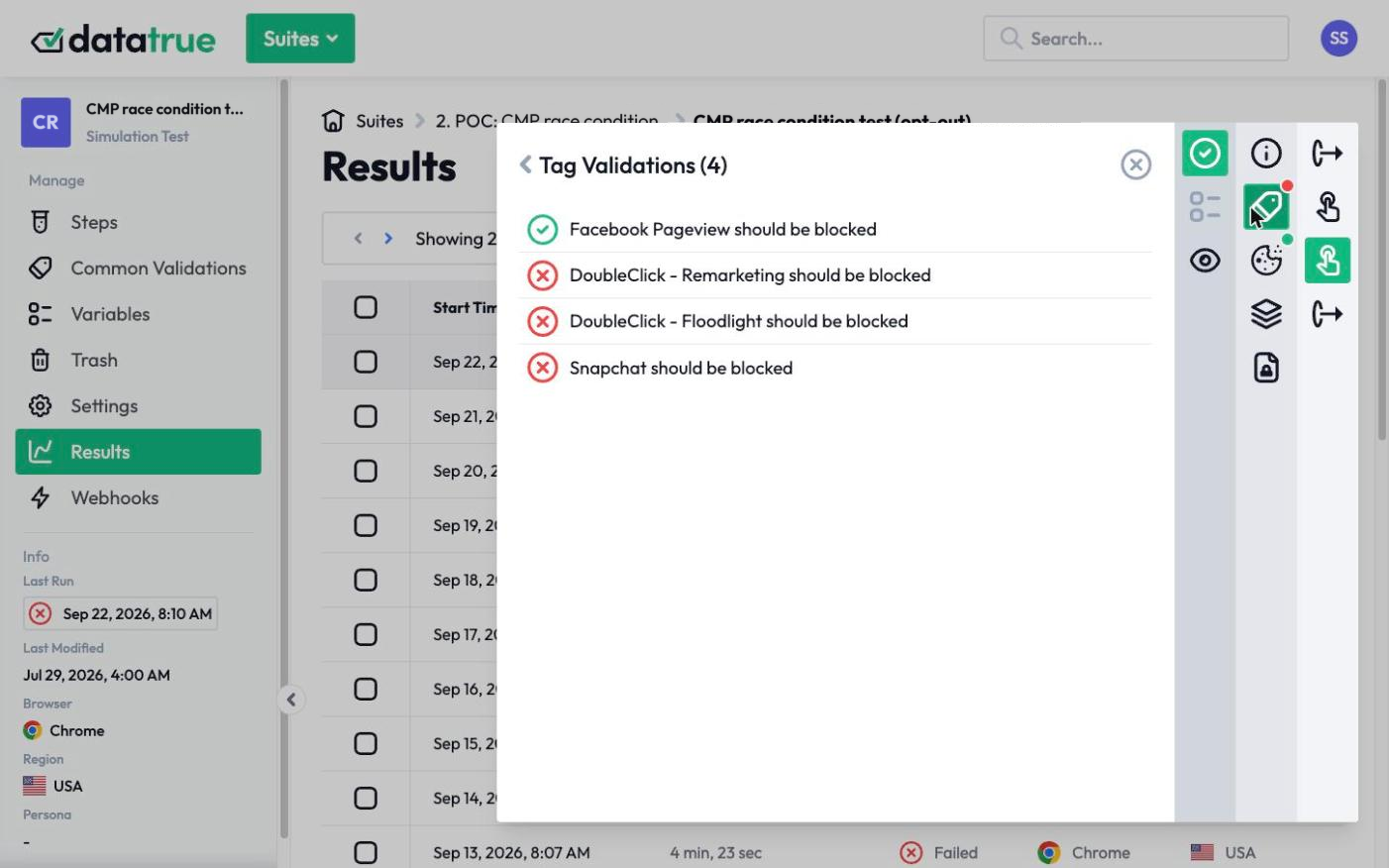
- Regulatory compliance. Businesses have to make sure their cookie practices meet legal standards like the GDPR and the CCPA. EU and UK cookie rules govern when non-essential cookies may run, and California requires an opt-out that works, including via GPC.
The regulatory piece is where most businesses have work to do, because it is not enough to set cookies responsibly. You have to be able to show that non-essential cookies wait for consent and stop when a visitor declines. To check whether your setup meets the law where you operate, see is your website tracking legal?.
Governing cookies responsibly
Good cookie governance comes down to knowing what cookies you set, categorizing them, obtaining consent for the non-essential ones, and confirming your site actually behaves the way your cookie policy says. That last step is where tools help: DataTrue audits the cookies on your site, checks them against your policy, and confirms that non-essential cookies honor consent, so your practice matches your promise.
Questions
What are website cookies?
They are small text files a website stores in your browser to remember information about you, such as your login, cart contents, language, or how you use the site. They let a site recognize you and keep a session going across pages and visits.
What is the difference between first-party and third-party cookies?
First-party cookies are set by the site you are visiting and are generally used for functionality and analytics. Third-party cookies are set by another domain, usually an advertiser, and can track you across sites. Third-party cookies raise the most privacy concern.
Do all cookies require consent?
No. Essential cookies, like those that keep you logged in or hold a cart, can usually run without consent. Non-essential cookies for analytics, advertising, and personalization require consent under EU and UK cookie rules, and must not fire before the visitor agrees.
Are cookies a security risk?
They can be if managed poorly. Cookies that hold sensitive information and are not properly secured can be exposed through attacks like cross-site scripting or cookie hijacking. Limiting what cookies store and securing them reduces that risk.
How do I know which cookies my site is setting?
Run a cookie audit. It inventories every cookie your site sets, what each does, who placed it, and whether non-essential ones wait for consent. Cookies change as your tags and vendors change, so a recurring audit keeps the picture accurate.
Related guides
See what your tags do in every consent state
DataTrue loads your real pages as a visitor who accepts, rejects, or sends an opt-out signal, and reads what each tag sends. A tag that ignores the visitor’s choice shows up in a test.
- Every page, with coverage scans
- Scheduled runs, with alerts when a result changes
- Full journeys, like checkout and signup, in each consent state
- What each tag sent, field by field
- PII detection with test personas
- iOS and Android app testing
- Pre-publish testing for GTM and Adobe Tags
- REST API, plus Slack and Jira alerts
The full platform, every feature, free for 30 days.