CCPA and CPRA for Analytics and Marketing Tags

Summary
Under the California Consumer Privacy Act (CCPA), as amended by the California Privacy Rights Act (CPRA), passing a visitor’s data to an ad or analytics platform through a tag is usually a “sale” or a “share.” When a resident opts out, including through a Global Privacy Control signal, your tags have to stop.
The word “sale” is broader than money changing hands. Under the CCPA, sharing personal information with a third party for advertising value counts, which is why routine marketing pixels fall inside the law.
The sections below cover what the CCPA and CPRA require of your tags, what counts as a sale or share through a tag, and how the opt-out has to work. The last section shows how to verify your tags follow those rules.
What the CCPA and CPRA require of your tags
The core obligation for tags is the opt-out. When a California resident opts out of sale and sharing, the tags that send their personal data to third parties for advertising have to stop. The CPRA added “sharing” specifically to capture cross-context behavioral advertising, which is exactly what an advertising pixel does when it sends data to an ad network to target the visitor elsewhere.
Two more pieces matter. Sensitive personal information, such as precise location, health, or financial data, carries a further right to limit its use. And Global Privacy Control is a valid opt-out signal in California, so a tag that keeps sending data after a GPC signal arrives is a violation.
What counts as a “sale” or “share” through a tag?
Most advertising and many analytics tags. When a pixel sends a device identifier, cookie ID, or behavioral data to Meta, Google, TikTok, or a similar platform so they can build audiences or retarget, that transfer is a share for cross-context behavioral advertising under the CPRA, and often a sale. Analytics tags can also qualify, depending on how the data is used downstream. A cookie that only runs your own site’s login is not a sale.

The practical test is where the data goes and why. If a tag hands personal data to a third party that uses it for its own advertising purposes, treat it as a sale or share that the opt-out has to reach.
How the opt-out has to work
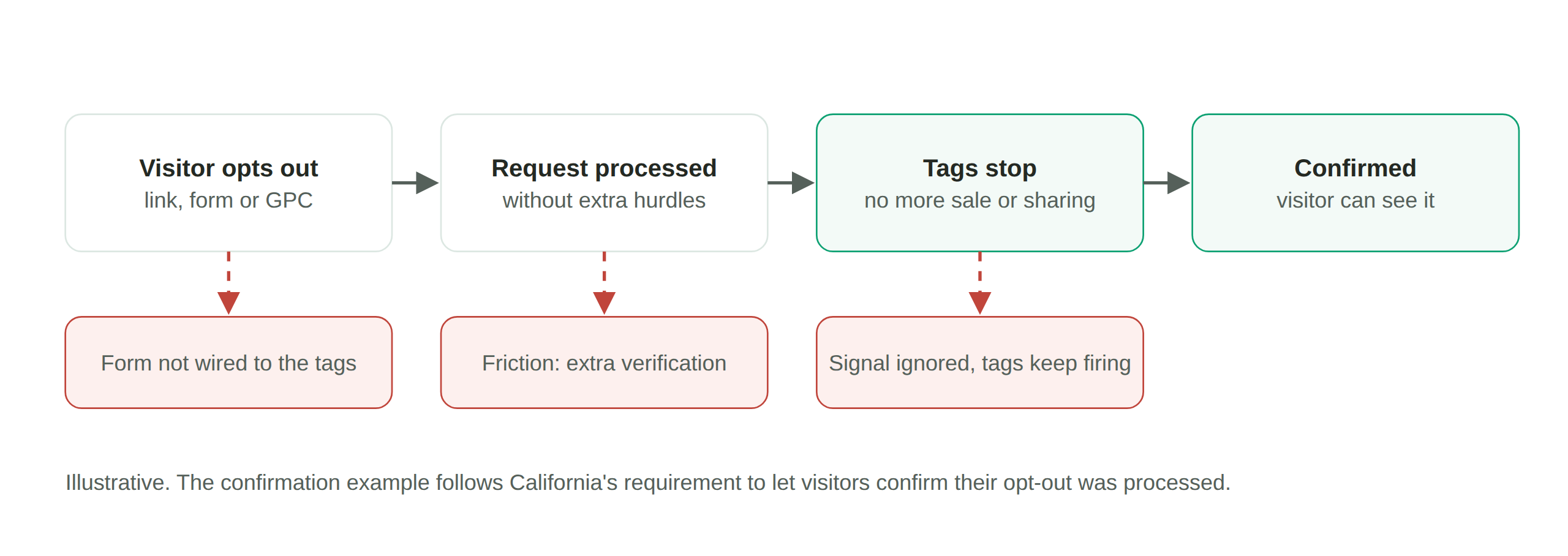
A California resident can opt out two ways, and both have to actually stop the tags. They can use your “Do Not Sell or Share My Personal Information” control, or their browser can send a Global Privacy Control signal, which you must honor as if they clicked the link. In either case, the advertising and sharing tags have to stop for that visitor. The failure regulators look for is the opt-out that is offered but not enforced, where the control is present and the tags keep firing anyway.
For specific CCPA and CPRA enforcement actions, see our Enforcement Watch tracker. This page covers the law and how to comply.
How to verify your tags respect the CCPA and CPRA
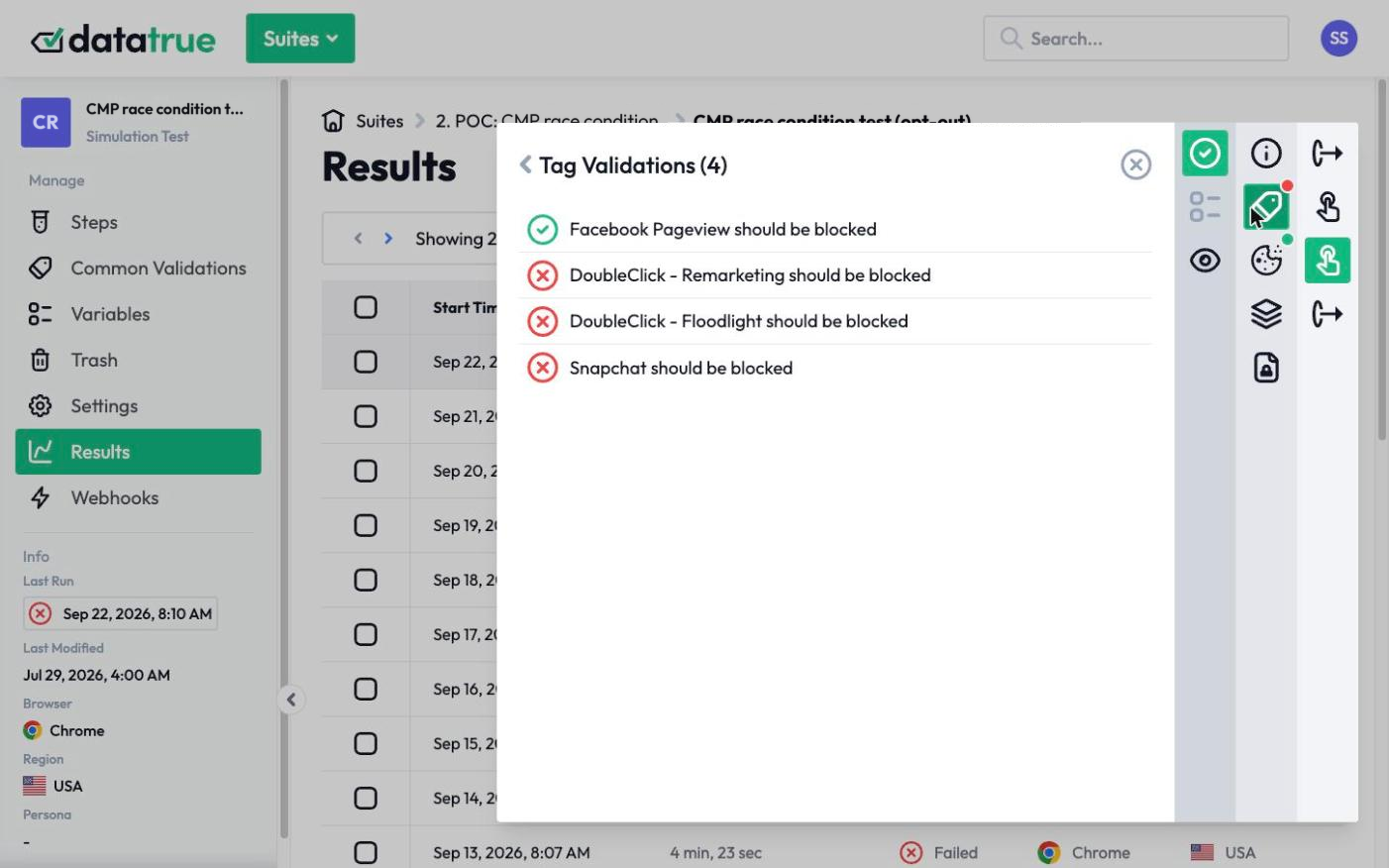
The enforceable part, that tags stop on opt-out and on GPC, is testable. DataTrue loads your site with consent granted, with a “do not sell or share” opt-out applied, and with a GPC signal enabled, and records what each tag does in each state. You can confirm that the tags counting as sale or sharing actually stop when a visitor opts out, on every page, and that no sensitive data is going where it should not. Sensitive Data Detection inspects the payloads with fictitious personas, so the check never uses a real visitor. The result is a record that your opt-out works, which is the evidence a regulator asks for.
This law is part of our US website tracking compliance hub.
Questions
Do tracking pixels count as a “sale” under the CCPA?
Usually yes, or as a “share.” When a pixel sends a visitor’s personal data to an advertising platform for targeting, that transfer is a share for cross-context behavioral advertising under the CPRA, and often a sale under the CCPA. A cookie that only runs your own site’s function is not.
Does the CCPA require honoring Global Privacy Control?
Yes. In California, a GPC signal is a valid opt-out of sale and sharing, and businesses must honor it as if the visitor used a “Do Not Sell or Share” link. Tags that keep sending data after a GPC signal are not compliant.
Who enforces the CCPA and CPRA?
The California Privacy Protection Agency and the California Attorney General. The CPPA is California’s dedicated privacy regulator, created by the CPRA. Both can bring enforcement actions.
How do I make my tags CCPA compliant?
Make sure the tags that count as sale or sharing stop when a visitor opts out or sends a GPC signal, limit sensitive data, and verify with testing that the opt-out actually stops those tags on every page rather than just displaying a control.
See what your tags do in every consent state
DataTrue loads your real pages as a visitor who accepts, rejects, or sends an opt-out signal, and reads what each tag sends. A tag that ignores the visitor’s choice shows up in a test.
- Every page, with coverage scans
- Scheduled runs, with alerts when a result changes
- Full journeys, like checkout and signup, in each consent state
- What each tag sent, field by field
- PII detection with test personas
- iOS and Android app testing
- Pre-publish testing for GTM and Adobe Tags
- REST API, plus Slack and Jira alerts
The full platform, every feature, free for 30 days.