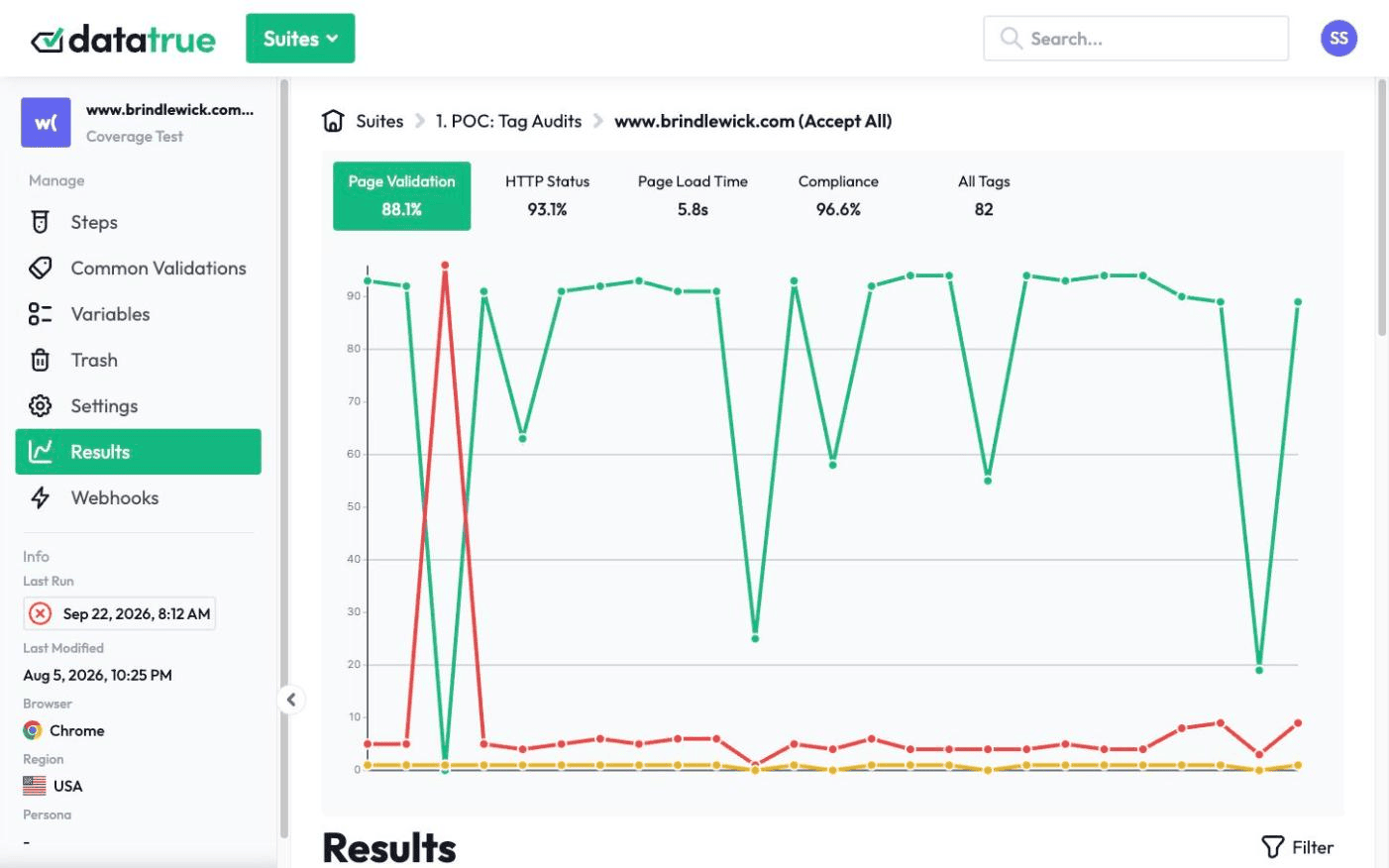
See the tags on a page in one scan
Not sure what is actually firing on a page? Point DataTrue’s Tag Report at a single URL and it returns the analytics and marketing tags it finds on it, grouped by vendor, with the load time for each and a map of which tag loaded which. It is the fast first look, before you set up full-site coverage and journey testing.
The full platform, every feature, free for 30 days.
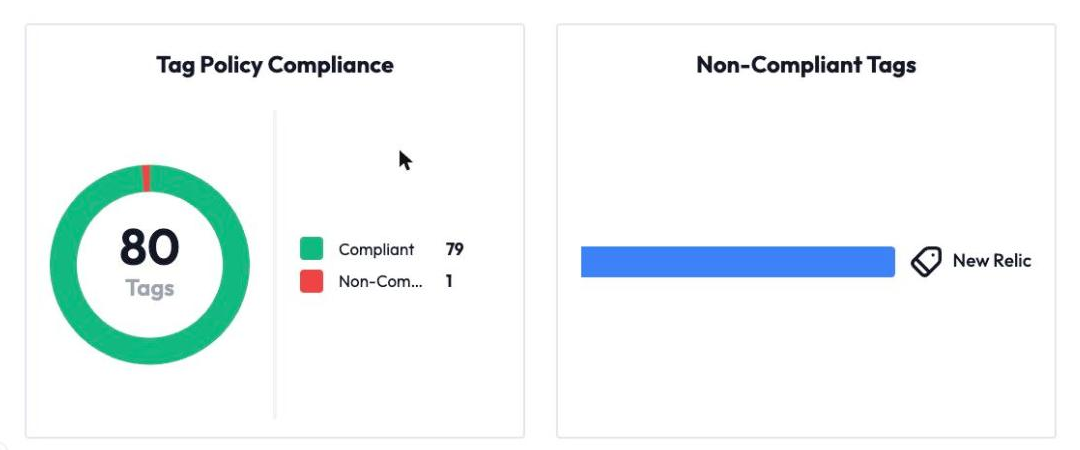
A tag report is a single-page audit of the analytics and marketing tags firing on one URL: which tags are present, which vendor each belongs to, and how fast each loads. DataTrue’s Tag Report scans one page on demand and shows the tag inventory, a vendor breakdown, and the tag hierarchy.













What does a Tag Report show?
For one URL, in one scan: a tag summary (how the page loaded, from which country, in how long, with any errors or insecure tags), the count of tags by type and by vendor, a tag hierarchy that shows which tag pulled in which (so piggyback tags stand out), and a table of every tag found with its type, what loaded it, how many requests it made, any alerts, and its average load time.
How fast is each tag loading?
A full-site coverage scan tells you what is tagged. A Tag Report adds the per-tag load time and a vendor-by-vendor view for a single page, so it is the right tool for a quick “what is on this page and what is it costing me” check.
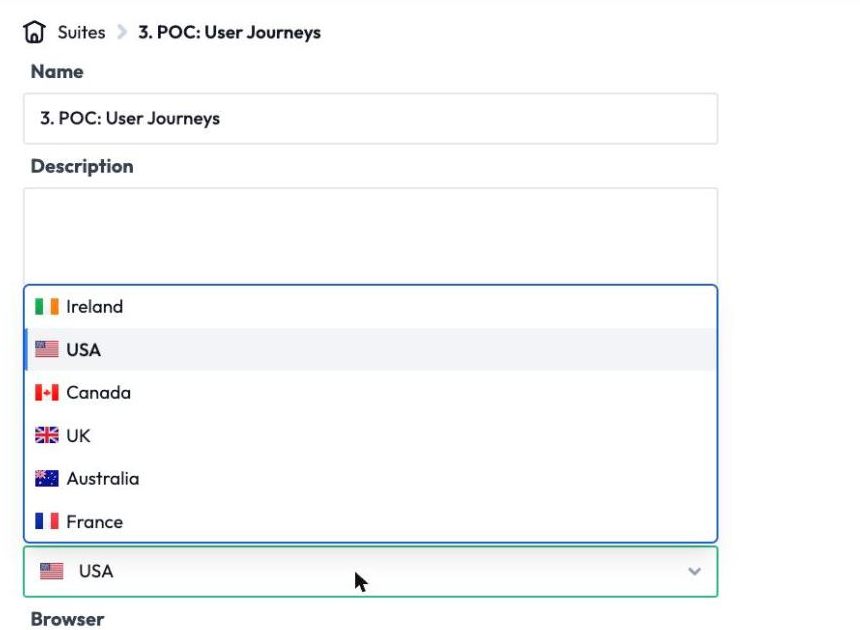
Run it from any of six regions
Tags fire differently depending on where a visitor is, because consent rules differ by region. Run the report from Ireland, the USA, Canada, the UK, Australia, or France to see what a visitor in that market actually gets.
The fast look that leads into the full platform
A Tag Report is a snapshot of one page. When you want the whole site audited, journeys validated step by step, consent proven, and monitoring on a schedule, that is the rest of the DataTrue platform. See web analytics testing and continuous monitoring & alerting.
Nothing is installed on your site. DataTrue doesn’t ask you to add any script, tag or code to your pages, so there is nothing to remove if you stop.
See what is really firing on your page.
Start a free 30-day trialQuestions
What is a tag report?
A single-page audit of the analytics and marketing tags on one URL, with each tag’s vendor, load time, and any alerts.
How is a Tag Report different from a full coverage scan?
A Tag Report checks one page and adds per-tag load time and a vendor breakdown. A coverage scan crawls the whole site and checks tags against your policies. You use the report for a fast single-page look and coverage for the full audit.
Which tags can it detect?
DataTrue recognises hundreds of tag types across analytics, advertising, consent, and tag-management vendors, and you can add custom tag definitions for anything in-house.
Can I run it for a specific country?
Yes. Choose from Ireland, the USA, Canada, the UK, Australia, and France.
Related: web analytics testing, continuous monitoring & alerting, consent & cookie compliance. New to tags? See what is a web tag.
Put your tag and consent testing on a schedule
DataTrue runs coverage scans, journeys and consent checks on your live site, reads what each tag sends, and alerts your team when a result changes. There’s nothing of ours to install on your pages.
- Every page, with coverage scans
- Scheduled runs, with alerts when a result changes
- Full journeys, like checkout and signup, in each consent state
- What each tag sent, field by field
- PII detection with test personas
- iOS and Android app testing
- Pre-publish testing for GTM and Adobe Tags
- REST API, plus Slack and Jira alerts
The full platform, every feature, free for 30 days.