Google Consent Mode v2 Explained

Summary
Google Consent Mode is how Google adjusts its tags based on a visitor’s consent. Your banner records the choice, and Consent Mode passes it to tags such as Google Analytics and Google Ads, so they load, limit or hold back. Version 2 added two signals Google requires for EEA ad personalization. It does not make you compliant on its own.
The distinction that trips people up: Consent Mode does not ask for consent. It relays consent that your consent management platform, or CMP, has already collected. You still need a CMP, and you still need the consent to be valid.
The sections below explain what Consent Mode does, how basic and advanced mode differ, and whether Consent Mode makes you compliant. The last section shows how to verify it is working on your site.
What Google Consent Mode does
Consent Mode works through consent “signals” that your CMP sets based on the visitor’s choice. Google tags read those signals and change behavior. The core signals are analytics_storage and ad_storage, which govern analytics and advertising cookies. Consent Mode v2 added two more, ad_user_data and ad_personalization, which say whether user data may be sent to Google for advertising and whether it may be used for personalization.
Google requires the two newer signals for EEA traffic used for ad personalization and measurement, with Customer Match enforcement from March 2024. This is Google’s own policy, separate from EU law.
Basic vs advanced Consent Mode
There are two ways to implement it, and they behave differently when a visitor declines.
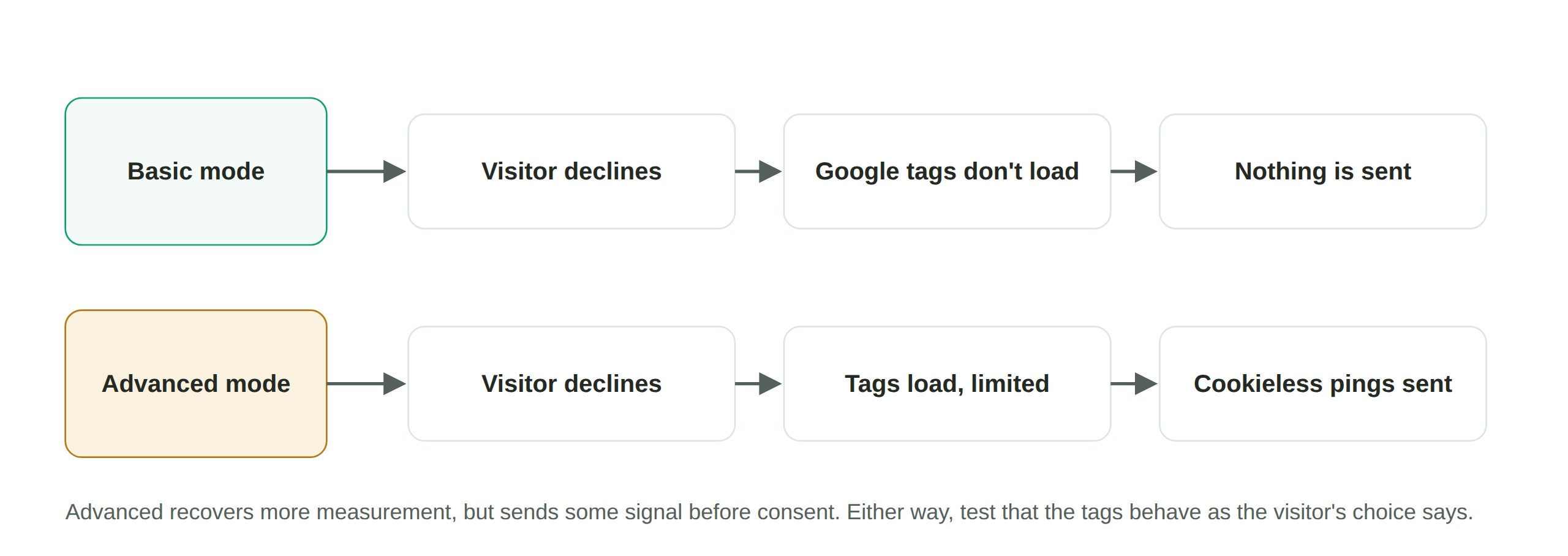
Basic Consent Mode holds Google tags back entirely until the visitor consents. If they decline, the tags do not load and nothing is sent. This is the more conservative option and the closer fit to a strict consent-before-firing posture.
Advanced Consent Mode loads Google tags in a limited state even when consent is denied. They send “cookieless pings,” which carry no cookies or identifiers, and Google uses those to model conversions that were not directly measured. When consent is granted, full data flows. Advanced recovers more measurement, at the cost of sending some signal before consent, so whether it fits depends on your risk posture and how your regulator views cookieless pings.
Does Consent Mode make you compliant?
No. Consent Mode is a plumbing layer, not a compliance control. It only relays a choice that a compliant CMP has to collect, and it is only as good as the signals it is fed. Two failures are common: the CMP is set up but the consent signal never reaches Google’s tags, so they behave as if consent was given, or advanced mode is sending pings that a site assumed were fully blocked. Neither is visible without checking what the tags actually do.
How to verify Consent Mode is working
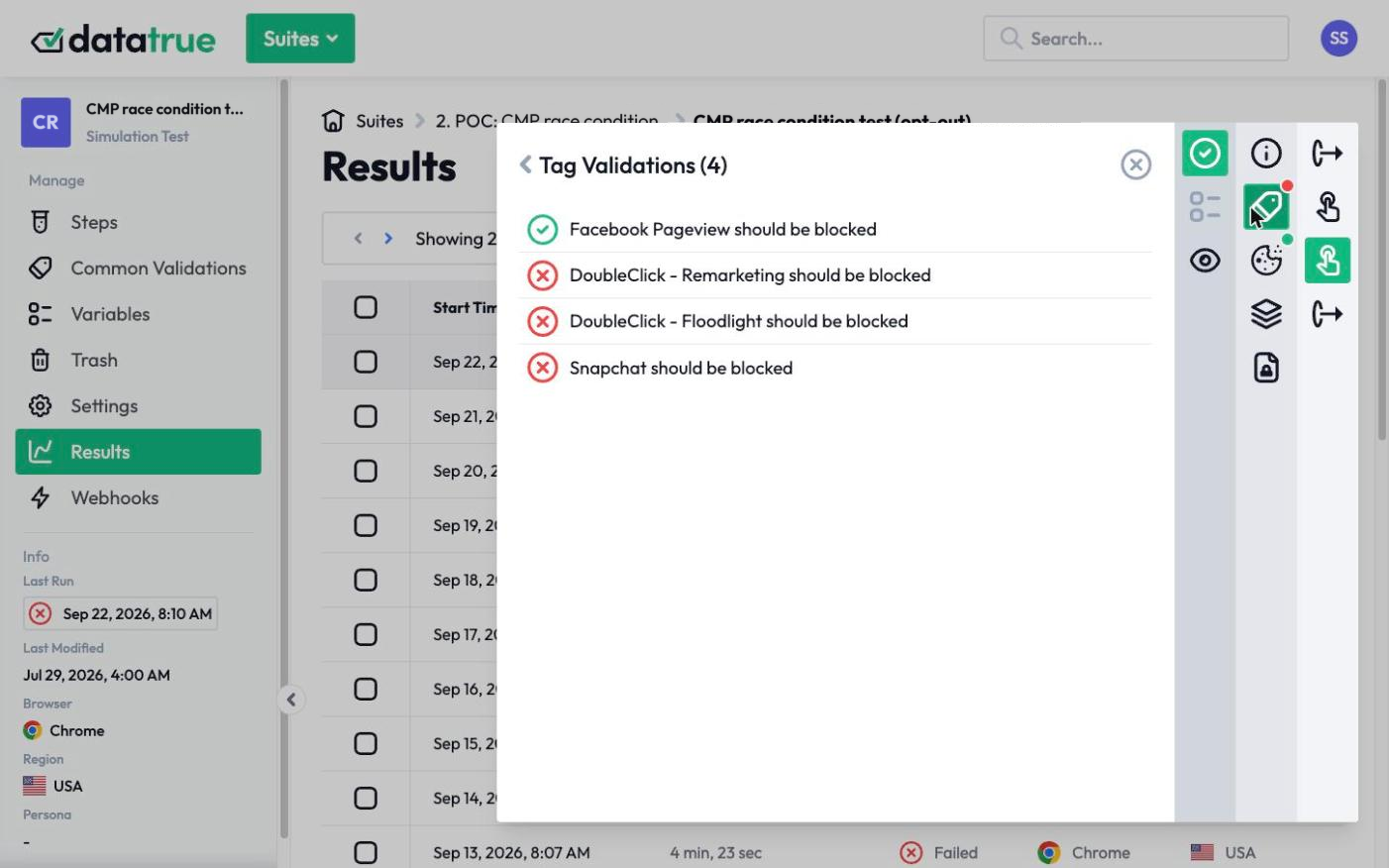
The test is whether Google’s tags behave the way the visitor’s choice says they should. DataTrue loads your site in a real browser, in each consent state, and records what the Google tags send. You can confirm that when a visitor declines, the tags respect it, that the consent signals actually reflect the banner choice rather than defaulting to granted, and, if you run advanced mode, exactly what the cookieless pings contain. The result is proof that the choice a visitor makes is the behavior Google’s tags follow.
Questions
What is Google Consent Mode?
It is Google’s mechanism for adjusting how its tags behave based on a visitor’s consent. Your consent banner records the choice, and Consent Mode passes it to Google tags like Google Analytics and Google Ads so they load, limit, or hold back accordingly. It relays consent, and it does not collect it.
What did Consent Mode v2 change?
It added two consent signals, ad_user_data and ad_personalization, on top of the existing analytics and ad storage signals. Google requires the v2 signals for EEA traffic used for ad personalization and measurement, with Customer Match enforcement from March 2024. This is a Google policy, separate from EU law.
Does turning on Consent Mode make me GDPR compliant?
No. Consent Mode only relays a choice that a consent management platform still has to collect validly, and it is only as good as the signals it receives. You still need a compliant CMP, consent before non-essential tags fire, and verification that the signals actually reach Google’s tags.
What is the difference between basic and advanced Consent Mode?
Basic holds Google tags back until the visitor consents, sending nothing if they decline. Advanced loads the tags in a limited, cookieless state even without consent, sending pings Google uses to model conversions. Advanced recovers more measurement but sends some signal before consent.
See what your tags do in every consent state
DataTrue loads your real pages as a visitor who accepts, rejects, or sends an opt-out signal, and reads what each tag sends. A tag that ignores the visitor’s choice shows up in a test.
- Every page, with coverage scans
- Scheduled runs, with alerts when a result changes
- Full journeys, like checkout and signup, in each consent state
- What each tag sent, field by field
- PII detection with test personas
- iOS and Android app testing
- Pre-publish testing for GTM and Adobe Tags
- REST API, plus Slack and Jira alerts
The full platform, every feature, free for 30 days.